
X (Twitter) Character Counter
Live 280-limit check using X’s real weighted rules: every link costs 23 characters, every emoji costs 2. Bio and display name fields included.

How to use the X (Twitter) Character Counter
Paste or type your post
The 280 meter updates as you type using X’s weighted counting. Paste a link and watch the count rise by exactly 23; add an emoji and it rises by 2.
Watch the weighted meter
The bar fills toward 280, warns once you pass 90% of the limit, and flags the field the moment you go over, so you see the overflow before X shows you a red minus number.
Check your bio and display name too
Separate fields count your bio against its 160-character limit and your display name against 50, so you can polish a whole profile in one place.
Trim, then post or schedule
Cut until the count sits at 280 or under, then post it. Or schedule it with JuzPost, which enforces the same limits at publish time.
X (Twitter) character limits in 2026, field by field
A standard post on X is capped at 280 weighted characters. Weighted is the key word: 280 is not a letter count, because links, emoji and non-Latin scripts cost more than one character each under X’s counting rules. X Premium subscribers can write long posts up to 25,000 characters, a cap raised from the 4,000 the feature launched with in 2023 (a stale figure some guides still repeat). Even a 25,000-character post displays truncated at 280 in the timeline behind a Show more link.
Profile fields have their own limits: 160 characters for the bio, 50 for the display name, 15 for the @username, and 30 for the location field. Direct messages allow 10,000 characters, and image alt text allows 1,000. Alt text is worth using in full, since it costs nothing against your post count and makes images accessible to screen reader users.
All of these numbers were last verified in August 2026. The post-counting rules come straight from X’s official developer documentation at docs.x.com; the per-field profile and DM limits are corroborated across current 2026 platform guides.
How X actually counts characters
X publishes its counting algorithm at docs.x.com/fundamentals/counting-characters, and this counter mirrors it. Text is first normalized to Unicode NFC. Then each Latin letter, digit and punctuation mark costs 1; Chinese, Japanese and Korean characters cost 2 each; and most other Unicode ranges default to 2 as well.
Every emoji costs exactly 2, including emoji with skin-tone modifiers and multi-person family emoji built from joined sequences, which still count as 2, not more. Every URL costs a flat 23 characters regardless of its real length, because X wraps all links in its t.co shortener: a 100-character link costs 23, and a link shorter than 23 characters still costs 23.
Two things cost nothing. Auto-populated @mentions at the start of a reply count as 0 characters (mentions you type into the body count normally), and attached media (images, GIFs, video and polls) costs 0, so adding a picture never eats into your 280.
Why X says your post is too long when your word processor disagrees
This is the most common counting complaint: a draft reads as 270 characters in a word processor, yet X rejects it as over 280. The cause is almost always weighting. Word processors count an emoji as one character; X counts it as 2. They count a pasted URL at its full visible length; X charges a flat 23 whether the link is 15 characters or 150. A draft heavy on emoji, CJK text or links can sit comfortably under 280 by a plain count and still be over by X’s rules.
Because this counter implements the same weighted algorithm X’s own composer enforces, the number you see here is the number X will see. Instead of a red −7 with no explanation, you can watch the count move as you edit and know exactly which link or emoji pushed you over.
Everything runs in your browser. Your draft is never uploaded, there is no signup, and nothing is stored, so you can safely paste unreleased announcements or client copy.
Going past 280: threads and X Premium
If your idea needs more than 280 weighted characters, the free route is a thread: break the text at sentence boundaries into posts that each clear the 280 check, and number them so readers can follow the sequence. Use this counter on each part before you publish.
The paid route is X Premium, which raises the cap to 25,000 characters for long posts. Two honest caveats: the timeline still shows only the first 280 characters with a Show more link, so your opening line carries the post either way; and some subscribers report long posts not activating immediately after paying, since the per-account rollout can lag. If you have just subscribed and are still capped at 280, that is a known pattern rather than a counting error.
Once the count clears, JuzPost can take it from there. The composer applies the same 280-character weighted check when you schedule a post to X, so what passes here publishes without surprises.
Frequently asked questions
How many characters can you post on X in 2026?
A standard post is capped at 280 weighted characters as of 2026. X Premium subscribers can write long posts up to 25,000 characters, though the timeline still truncates them at 280 behind a Show more link. The 280 figure is weighted rather than a plain letter count: every link costs 23 characters and every emoji costs 2.
Do spaces, hashtags and emojis count toward the 280-character limit?
Yes, all three count. Spaces, hashtags and the # symbol count at the normal weight of 1 per character, the same as Latin letters, digits and punctuation. Emoji are heavier: each one costs 2 characters, and that includes emoji with skin-tone modifiers and multi-person family emoji, which still count as 2 rather than more.
How many characters does a link use on X?
Exactly 23, no matter how long the link really is. X wraps every URL in its t.co shortener, so a 100-character link and a link shorter than 23 characters both cost the same flat 23. This counter applies the same rule, so pasting a long link removes only 23 characters from your 280 budget.
Why does X say my post is too long when it looks under 280 characters?
Because X counts weighted characters, not letters. Word processors count an emoji as 1 while X counts it as 2, Chinese, Japanese and Korean characters cost 2 each, and any URL costs a flat 23. A draft that reads as 270 characters elsewhere can genuinely be over 280 by X’s rules. This counter uses X’s own documented algorithm, so the number here matches what the composer enforces.
How do I post more than 280 characters on X?
Either split the text into a thread, which is free, or subscribe to X Premium, which raises the cap to 25,000 characters for long posts. Note that some subscribers report long posts not activating right after paying, as the per-account rollout can lag. Long posts also still display truncated at 280 characters in the timeline behind a Show more link.
What are the limits for X bios, display names, usernames and DMs?
As of August 2026: bios allow 160 characters, display names 50, usernames 15, direct messages 10,000, the location field 30, and image alt text 1,000. This counter includes dedicated bio and display name fields alongside the 280-character post field, so you can check a full profile edit in one pass.
Is this counter accurate to X’s official counting?
Yes. The post field mirrors the weighted algorithm X documents at docs.x.com: URLs cost 23, emoji cost 2, CJK characters cost 2, and text is NFC-normalized first, the same rules X’s own composer enforces. Everything runs in your browser with no signup, your draft is never uploaded, and the limits were last verified in August 2026.
More free tools
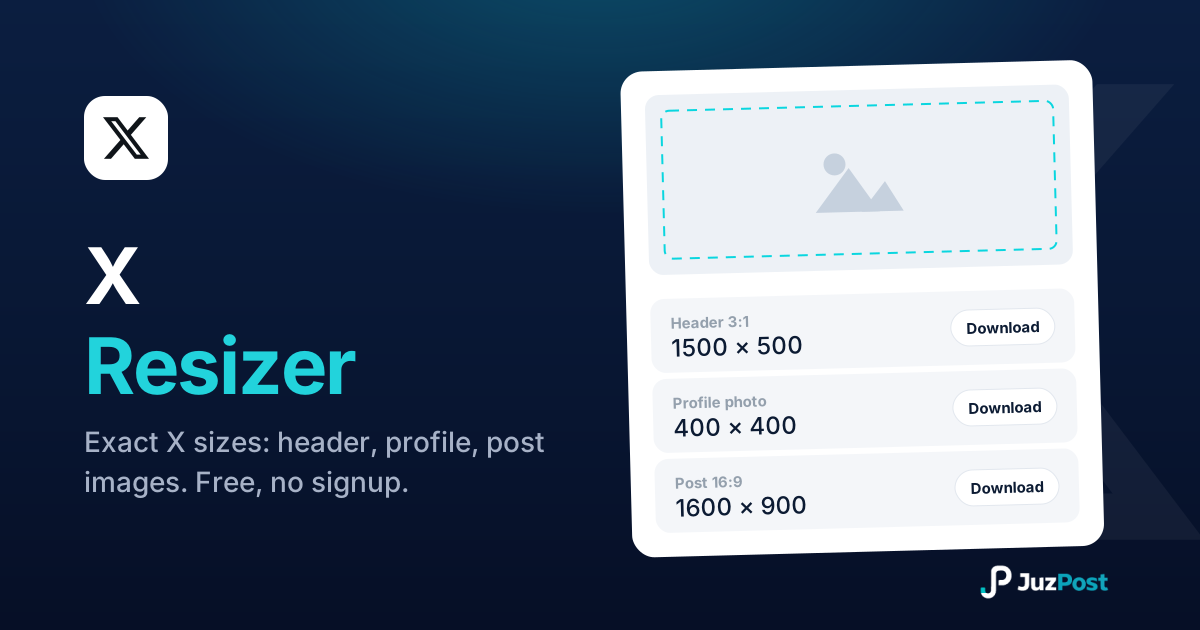
Resize any photo to exact X sizes (1500×500 header, 400×400 profile, 16:9 posts). Free, in your browser.

Bold, italic, cursive and fancy Unicode text that pastes into X posts (280 characters), bios (160) and display names (50).
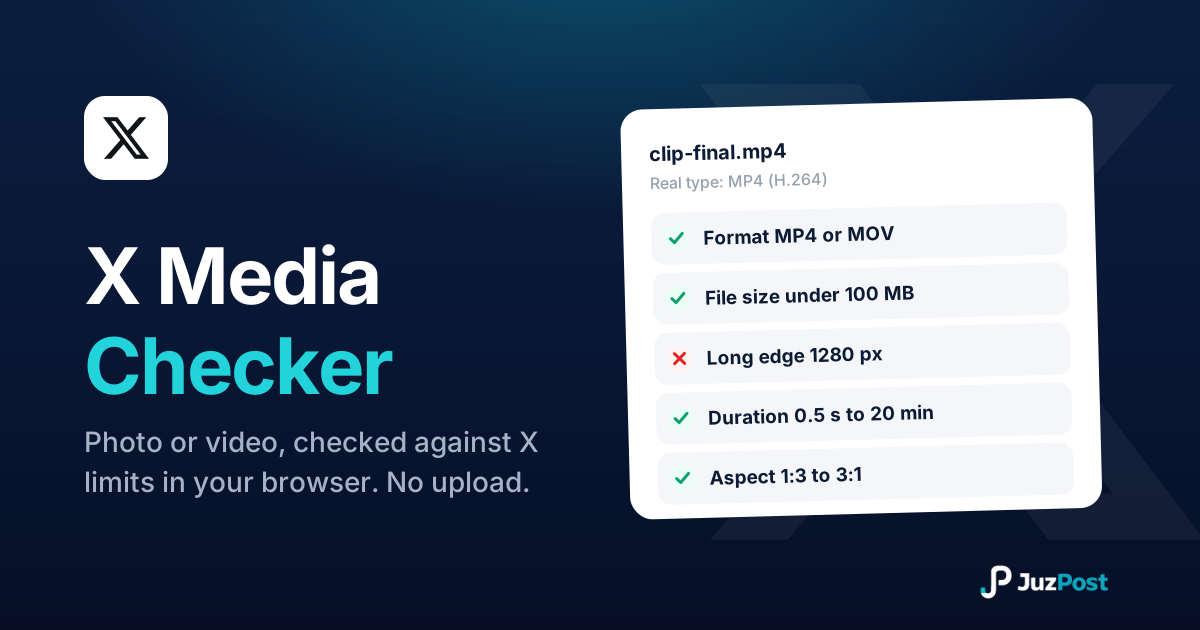
Drop in a photo or video and see whether it will post to X before you waste an upload. Real file type, format, size, dimensions and duration, checked in your browser. Nothing is uploaded.