
Instagram Line Break Generator
Line breaks and caption spaces Instagram keeps. Paste, preview the 125-character “…more” cutoff, copy. No periods, no dashes.

How to use the Instagram Line Break Generator
Paste or write your caption
Drop your caption into the editor and press Return wherever you want a break or a blank line. Write it the way you want it to look; the tool handles what Instagram would strip.
Check the preview and the counter
The Instagram-style preview shows your spacing exactly as it will post, with a marker at the ~125-character point where the feed cuts to “…more”. The counter tracks the 2,200-character caption limit, invisible characters included.
Copy the converted caption
One tap copies your caption with each blank line held open by a single invisible Unicode character, so Instagram can’t collapse it. Everything runs in your browser, and your caption is never uploaded anywhere.
Paste into Instagram and post
Paste straight into the caption field on iPhone, Android or desktop and publish. The breaks survive because they’re carried by real characters, not by formatting Instagram removes.
Why Instagram removes your line breaks
When you save a caption, Instagram runs a cleanup pass: it trims trailing whitespace and collapses consecutive empty lines. That’s why a caption that looks perfectly spaced in the composer squishes into one big paragraph the moment you post. A single Return usually survives, but only if the line before it doesn’t end in a space, which is why the folk advice “delete the space before you hit return” half-works.
The old workaround was to prop lines open with a period, a dash or a dot on its own line. It works, but it leaves visible clutter in every caption. This tool does it invisibly instead: each blank line gets one Braille Pattern Blank character (U+2800). It renders as empty space, but Instagram treats it as content. A line that contains a character isn’t an empty line, so the cleanup pass leaves it alone.
That’s the whole mechanism. No hidden markup, no app permissions, no formatting tricks that expire with the next update. Just a plain Unicode character Instagram has to keep because deleting it would mean deleting part of your caption.
Line breaks in captions, bios, comments, Reels and DMs
The same invisible-character trick works in every Instagram text field, but the limits differ. Captions take up to 2,200 characters, and the feed shows only the first ~125 before hiding the rest behind “…more”, which is why the preview above marks that cutoff. Your first line has to work on its own.
Bios are the tightest field at 150 characters, so spend your invisible characters carefully: each blank line costs one character from that budget. Comments share the caption’s 2,200-character limit, and DMs cap at 1,000. Reels captions behave like feed captions: same 2,200 limit, same truncation, same fix.
Hashtags are capped at 30 per caption, though Instagram’s own guidance suggests around 3 to 5. A common clean layout is the caption, a blank line held open by this tool, then the hashtag block at the bottom. All limits on this page were last verified in August 2026; Instagram doesn’t publish an official formatting spec, so we re-check them rather than assume.
Instagram line breaks not working? Fix these four things
A trailing space is the most common killer: if the line before your Return ends with a space, Instagram drops the break when it trims that space. Running your caption through this tool fixes it automatically, since the break is carried by a character rather than by bare whitespace.
Lines that end in an emoji or a hashtag can also lose their break, a widely reported failure mode. Put the invisible character (or any text) after the emoji or hashtag, or end the line with a plain word and start the hashtags on the next one.
Pasting from notes apps or word processors brings smart formatting Instagram doesn’t understand (curly spaces, soft returns, styled text), and captions emailed to yourself pick up the same baggage. Paste into this tool first; it normalizes the text so what you copy is exactly what posts.
Editing a caption after posting sends it through Instagram’s cleanup pass again, which can strip spacing that survived the first time. If you need to edit, paste the corrected caption back through the generator before saving the edit.
Invisible characters, reach, accessibility, and when you don’t need them
Invisible characters are ordinary Unicode text, the same standard every keyboard character belongs to. They don’t violate Instagram’s rules, they don’t trip spam filters, and there’s no evidence they affect reach. They do count toward the character limit (one per blank line), and the counter on this page includes them, so what it says fits will fit.
One honest caveat: some screen readers announce invisible characters, typically as “blank”. That’s why this tool inserts exactly one character per empty line instead of rows of them: the minimum a screen-reader user has to sit through for each pause. Keep blank lines purposeful and your caption stays readable for everyone.
If you schedule your posts through JuzPost, you can skip the invisible characters entirely: captions published through the API keep their native line breaks exactly as written. This generator is for the times you post by hand. Write it clean either way, and it arrives clean.
Frequently asked questions
Why does Instagram remove my line breaks?
Because Instagram trims trailing whitespace and collapses consecutive empty lines when a caption is saved. If a line ends with a space before the Return, or you leave two or more empty lines in a row, the spacing disappears at post time. This tool prevents that by placing one invisible Unicode character on each blank line, which Instagram treats as content and therefore keeps.
How do I add spaces in an Instagram caption without periods or dashes?
Use an invisible character instead of visible punctuation. Paste your caption here with blank lines where you want them, and the tool holds each one open with a Braille Pattern Blank (U+2800), a character that renders as empty space but stops Instagram collapsing the line. Copy the result and paste it into Instagram; the spacing posts clean with no dots, dashes or symbols showing.
Do line breaks work in Instagram bios and comments too?
Yes, the same invisible-character method works in bios, comments, Reels captions and DMs. Mind the limits though: bios allow only 150 characters, so each blank line spends one of them, while comments share the caption’s 2,200-character limit and DMs cap at 1,000. Paste your bio or comment through the tool exactly as you would a caption.
Do invisible characters count toward the 2,200-character caption limit?
Yes. Each invisible character counts as one character, the same as a letter. The tool adds exactly one per blank line, so the cost is small, and the counter on this page includes them. If the counter says your caption fits under 2,200, it fits.
Will invisible characters hurt my reach or break Instagram’s rules?
No. A Braille Pattern Blank is plain Unicode text, not a hack or an exploit, and there’s no evidence Instagram penalizes captions that contain it. The one real consideration is accessibility: some screen readers announce the character as “blank”, which is why this tool inserts only one per empty line instead of stacking them.
Why do my line breaks disappear after a hashtag or emoji?
Lines that end in an emoji, a hashtag or certain special characters are a known failure mode: Instagram’s cleanup can drop the break that follows them. The fix is to make sure something comes after. This tool’s invisible character on the next line does the job, or you can end the line with a plain word and move the hashtags to their own block at the bottom of the caption.
Is this Instagram line break generator free?
Yes, completely free with no signup, no character cap and no watermark. It runs entirely in your browser, so your caption is never sent to a server. JuzPost builds it as a free tool for people who post on Instagram.
More free tools

Paste a post, Reel or profile URL and get APA 7, MLA 9, Chicago and Harvard citations with in-text forms, with the 20-word and 160-character truncations done for you.
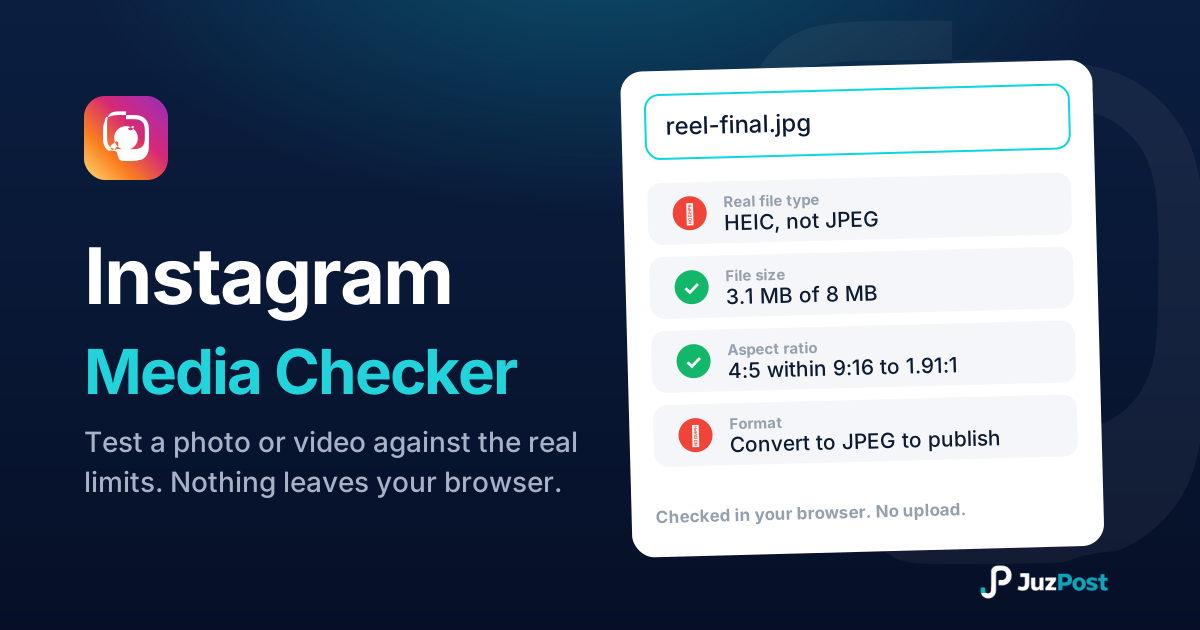
Drop a photo or video and see whether Instagram will accept it. Real file type, format, size, ratio and length, checked in your browser. Nothing is uploaded.
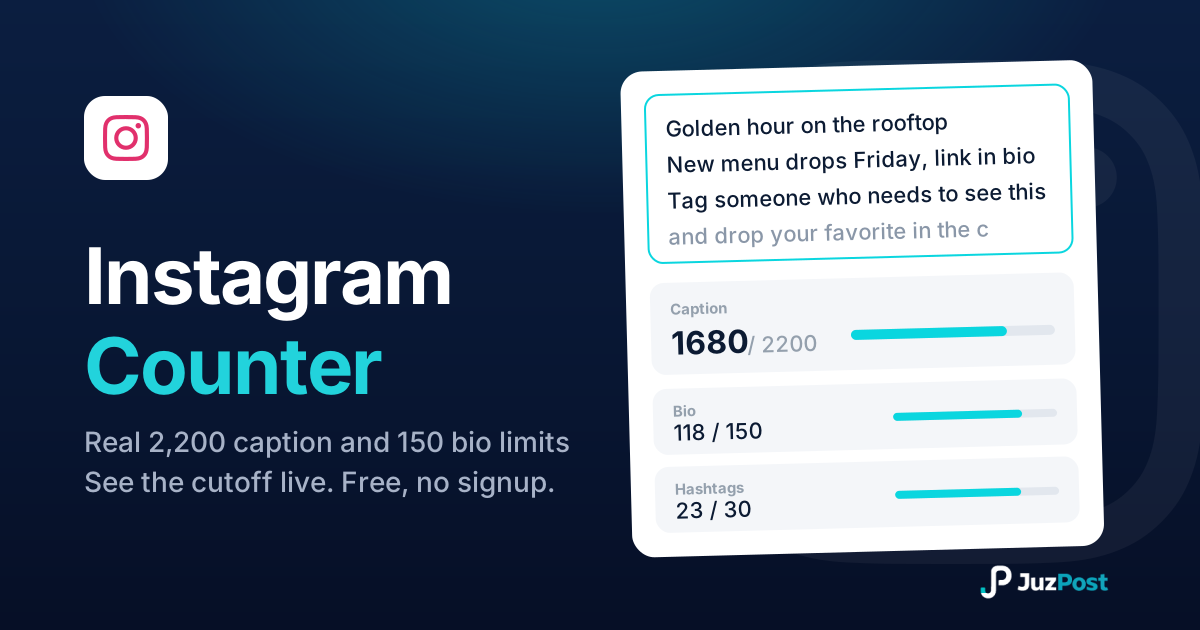
Count against Instagram’s real limits (2,200-character captions, 150-character bios) and see where the feed cuts you off at "…more".