
X (Twitter) Font Generator
Bold, italic, cursive and fancy Unicode text that pastes into X posts (280 characters), bios (160) and display names (50).

How to use the X (Twitter) Font Generator
Type or paste your text
Write the post, bio line or display name you want to style. Every font style renders your exact words live, so you compare real output rather than a sample alphabet.
Pick a style and copy it
Bold, italic, cursive, small caps, bubble and the rest are one click each. The copy button grabs the styled version as plain Unicode characters: no markup, no extension.
Check the character count
X counts every styled letter as 2 characters toward its 280-character post limit, so a fully styled post holds about 140 visible characters. The counter shows the weighted total X will actually enforce.
Paste into X
Paste into a post, your bio or your display name. The styling survives because it is made of real characters, not formatting X could strip.
Why styled text counts as 2 characters on X
A standard X post allows 280 characters, but X counts them by weight, not one by one. Its published counting rules (docs.x.com and the twitter-text reference config) give a weight of 1 only to a short list of code-point ranges covering ordinary Latin text and common punctuation. Everything outside those ranges counts as 2, and that includes the entire Mathematical Alphanumeric Symbols block (U+1D400 to U+1D7FF) that every font generator, this one included, draws its bold, italic and cursive letters from.
The practical consequence: a post written entirely in a fancy font maxes out at about 140 visible characters, half the normal limit. Styling a single word costs you one extra character per letter; styling a whole paragraph costs you half your post. Two related rules from the same spec are worth knowing: every URL counts as 23 characters regardless of its real length, and every emoji counts as 2, even multi-part ones.
This is why the counter on this page shows the weighted count rather than the number of letters you can see. These limits were checked against X’s own developer documentation in August 2026.
Where X fonts work: posts, bio, display name and DMs
Styled Unicode text pastes into any X field that accepts free text, but each field has its own limit. Posts allow 280 weighted characters. Display names allow 50 characters and bios allow 160. Both take fancy fonts, and both are where most people use them, since a name or bio is short enough that the styling stays readable. Direct messages allow 10,000 characters, and image alt text allows 1,000.
The one field where fonts do not work is your @username. Handles are capped at 15 characters and restricted to plain letters, numbers and underscores, so styled characters are rejected there. Style the display name next to the handle instead.
One nuance X does not document: the weighted 2-per-character counting is only specified for posts. For the 50-character name and 160-character bio, plan around the visible length but leave headroom if you style heavily. The safest test is pasting into the field and watching X’s own counter.
Bold text on X without a font generator
As of 2026, X Premium subscribers (from the Basic tier up) get native bold and italic formatting on posts, plus a post limit of 25,000 characters instead of 280. If you publish long-form posts and already pay for Premium, native formatting is the better tool: it is real formatting rather than substituted characters, so screen readers and search treat the text normally and nothing costs double.
A Unicode generator remains the only way to get bold or italic text on a free account, and the only way to style the fields Premium formatting does not reach: your display name and bio. It also travels. The same characters paste into Instagram bios, Threads, Bluesky, Discord and any other plain-text field.
Accessibility, search and boxes: use fancy fonts carefully
Screen readers do not see 𝐛𝐨𝐥𝐝 as bold. They announce each substituted letter by its Unicode name (“mathematical bold capital B”) or skip the word entirely, so a fully styled bio or post reaches blind and low-vision followers as noise. Style one hook or a few key words, keep the body plain, and never style your entire bio.
Search on X matches literal characters. A styled word will not match anyone searching the plain spelling, and a styled hashtag can fail to link at all. Keep hashtags and any keyword you want to be found by in normal text.
If a follower sees empty boxes or squares instead of your font, their device lacks the glyphs. That rendering gap is called tofu, and it is most common on older Android builds and older desktop systems. Bold and italic render the most widely; ornate scripts and rare symbol styles fail first. Relatedly, some devices draw certain styles heavier or lighter than others, which is why the same “bold” can look less bold on one phone than another: the shapes come from the reader’s fonts, not from your post.
Frequently asked questions
How do you get different fonts on X (Twitter)?
X has no font menu, so you paste in text that is already styled. Type your words into this generator, pick a style, copy the result and paste it into your post, bio or display name. The styles are real Unicode characters (lookalike letters from blocks such as Mathematical Alphanumeric Symbols), so X stores and shows them as ordinary text.
Can you make text bold on X without Premium?
Yes. Unicode bold, like this generator produces, works on any account because it is characters rather than formatting: copy, paste, done. Note that each styled letter counts as 2 characters against the 280-character post limit. X Premium (Basic tier and up) adds native bold and italic on posts, but the free Unicode route is the only option for non-subscribers and for bios and display names.
Do fancy fonts count as more characters on X?
Yes. Every styled letter counts as 2 characters, so a fully styled post fits about 140 visible characters instead of 280. X’s counting rules weight code points outside a small set of basic ranges at double, and all font-generator characters fall outside those ranges. The counter on this page shows the weighted total so you are never surprised at post time.
Do X fonts work in my display name and bio?
Yes. Display names (50 characters) and bios (160 characters) both accept styled Unicode text, and they are the most popular places to use it. The exception is your @username: handles allow only plain letters, numbers and underscores, up to 15 characters, so fancy characters are rejected there.
Why do some fonts show up as boxes or squares?
The reader’s device is missing the glyphs for those characters, a rendering gap known as tofu that is most common on older Android versions and older desktop systems. The characters are still there; the device just has nothing to draw them with. Bold and italic styles render almost everywhere, while ornate and rare symbol styles fail most often, so prefer the common styles for anything important.
Are Unicode fonts bad for accessibility or reach on X?
They can be, so use them sparingly. Screen readers announce styled letters by their Unicode names or skip them, which makes fully styled text unreadable for those users. X search also matches literal characters, so styled words will not match plain-text searches and styled hashtags can break. Style a short hook, keep hashtags and searchable keywords plain, and leave the rest of the text normal.
Is this font generator free and do I need to sign up?
Yes, it is completely free, with no sign-up and no limits. Everything runs in your browser and your text is never uploaded anywhere. JuzPost builds it as a free tool for people who post on X.
More free tools
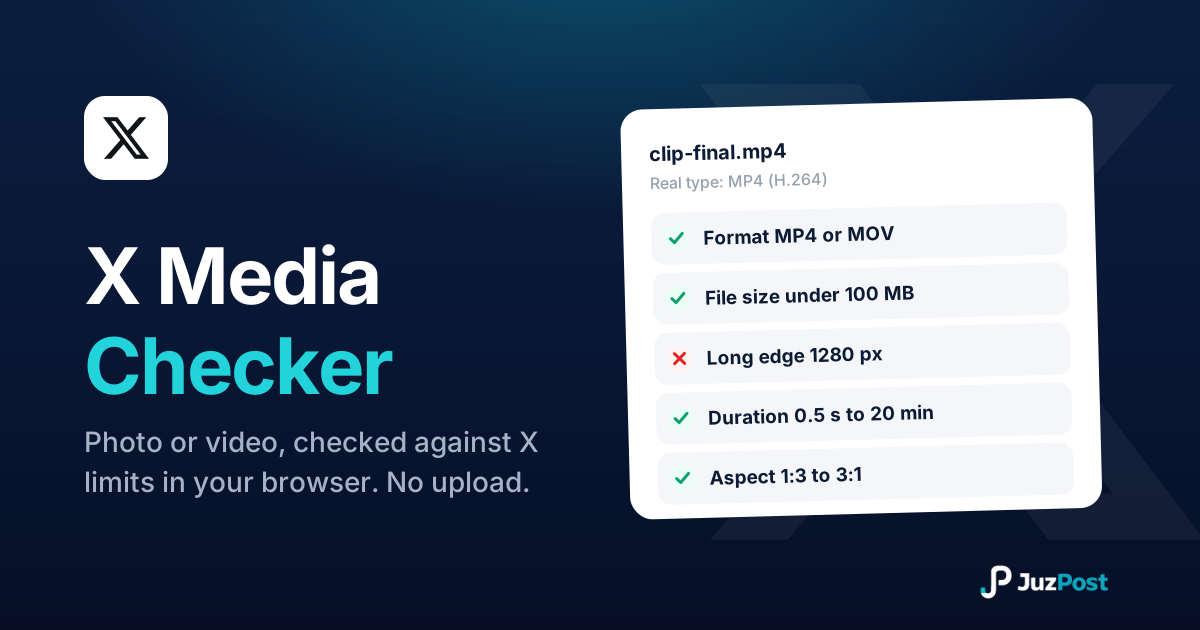
Drop in a photo or video and see whether it will post to X before you waste an upload. Real file type, format, size, dimensions and duration, checked in your browser. Nothing is uploaded.
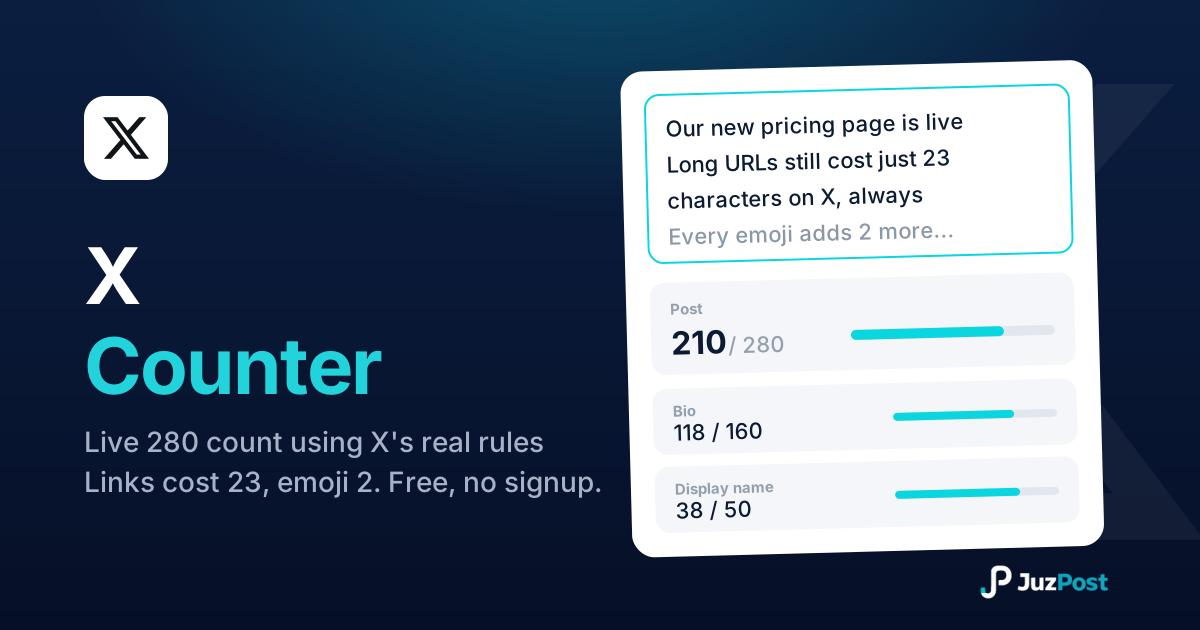
Live 280-limit check using X’s real weighted rules: every link costs 23 characters, every emoji costs 2. Bio and display name fields included.
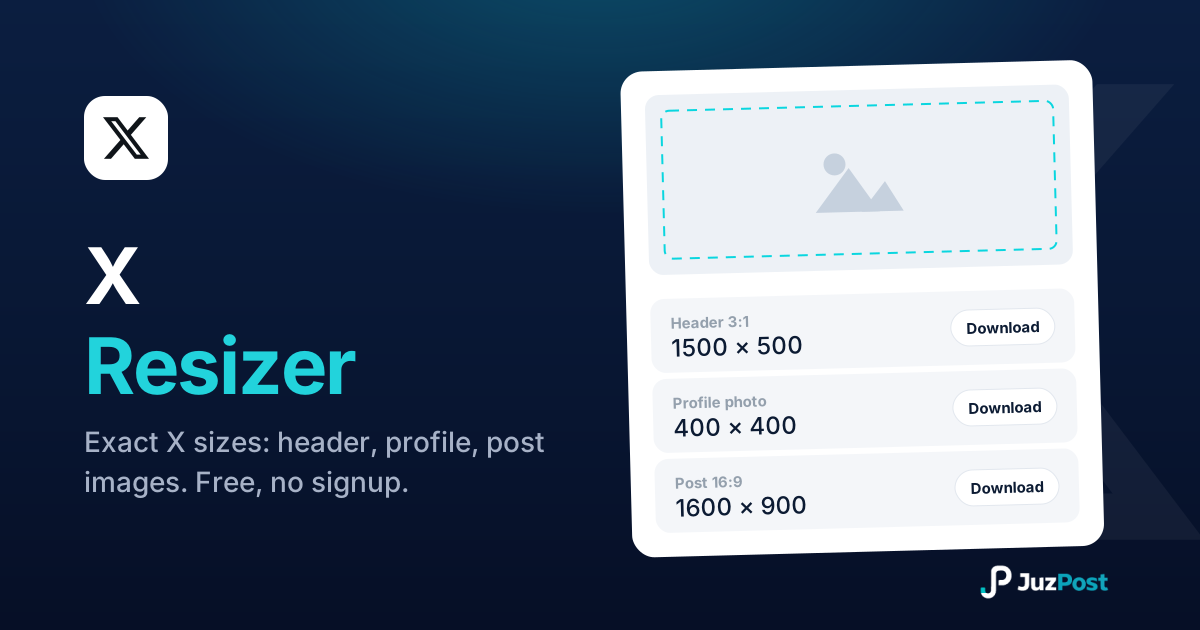
Resize any photo to exact X sizes (1500×500 header, 400×400 profile, 16:9 posts). Free, in your browser.