
TikTok Media Checker
Drop in a photo or video and find out whether TikTok will accept it. Reads the real file type, size, dimensions and length in your browser. Nothing is uploaded.

How to use the TikTok Media Checker
Drop in your photo or video
Drag the file onto the card, or click to pick one. It is read on your device and never sent anywhere, so an unpublished cut stays private.
Read the verdict, not a spec sheet
The check reports the real file type from the file’s own magic bytes, then the format, file size, pixel dimensions and, for video, duration, each marked pass or fail against TikTok’s limits with the reason spelled out.
Fix an image right here
For photos you can convert to JPEG, compress under the 20 MB cap and resize the long edge down to 1080 px. All of it runs in the browser tab, with no install and no account.
Download and post it
Save the fixed image and upload it to TikTok, or schedule the post with JuzPost, which applies the same limits before it publishes.
What TikTok accepts in 2026
For photo posts, TikTok’s posting API takes JPEG and WebP only, at up to 20 MB per image, with a long edge of 1080 px. A carousel runs from 1 to 10 photos, and a post is either one video or a set of photos, never both in the same post. The photos do not all have to share one aspect ratio.
For video, the accepted containers are MP4, MOV and WebM, up to 4 GB, running from 3 seconds to 3600 seconds, which is 60 minutes on the web uploader. AVI, WMV, MKV and FLV are refused outright, and so is anything shorter than the 3 second floor, which produces one of TikTok’s most confusing error messages.
One place where TikTok itself is more permissive than what this checker enforces: Photo Mode in the app allows more than 10 images in a carousel, where publishing through the API takes 10. The numbers above are what publishing through the API will take, so they are the safe ceiling if anything other than your own thumb is doing the posting. The 4 GB video cap works the other direction: the phone apps cap uploads far lower than that, so a large file can pass this check and still be refused by the app on your handset.
PNG does not post to TikTok photo mode
This is the single answer most guides get wrong. Search for TikTok image requirements and page after page will tell you JPG, JPEG and PNG. The picker inside the TikTok app does accept a PNG, which is why the belief spreads. The posting API that every scheduler and publishing tool goes through does not: it takes JPEG and WebP, and a PNG comes back as a failure.
The result is a photo post that silently fails in a scheduling tool with an error that never names the file. Screenshots, exports from design tools and anything saved off a Mac preview window are usually PNG, so this hits people who never chose the format on purpose. Converting to JPEG fixes it, and this page does that conversion in the browser.
Why TikTok says the format is not supported
A file extension is a label anyone can retype. The container inside the file is what TikTok reads. Rename a .mkv to .mp4 and the name changes while the bytes do not, so the upload still fails and the error still says the format is not supported. The same trap catches a PNG saved with a .jpg extension.
This checker looks at the first bytes of the file, the magic bytes, and reports what the file actually is rather than what it claims to be. That one line answers most of the format not supported cluster: you learn your MP4 is a Matroska file, or your JPG is a PNG, before you waste another upload attempt.
Video is checked, never converted
Video here is read and reported: real container, dimensions, file size against the 4 GB cap, and duration against the 3 second minimum and 3600 second maximum. Nothing is transcoded and nothing is uploaded to a server. If your file is an unsupported container or runs past 60 minutes, you will be told exactly that and pointed at what needs to change.
Converter blogs will offer you a desktop install for the re-encode. That is a real answer for a real problem, and it is honest to say plainly that this tool does not do it. For images the whole fix does run here: convert to JPEG, compress under 20 MB, and cap the long edge at 1080 px. Since everything happens in the browser tab, the check is instant and the file never leaves your device.
Frequently asked questions
What video formats does TikTok support?
MP4, MOV and WebM. Those are the three containers accepted for publishing. AVI, WMV, MKV and FLV are refused, and renaming one of them to .mp4 does not help, because TikTok reads the container inside the file rather than the extension. This checker reports the real container from the file’s magic bytes so you can see which one you actually have.
What is the maximum TikTok video size?
4 GB for publishing through TikTok’s API, which is what this checker enforces. Be aware that the phone apps cap uploads well below that, and the caps differ between Android and iOS, so a file that passes here can still be refused by the app on your handset. If a large file matters, upload from the web or schedule the post instead.
How long can a TikTok video be, and is there a minimum?
Between 3 seconds and 3600 seconds, which is 60 minutes on the web uploader. The 3 second minimum catches people out, because a clip below it is rejected with a message claiming the video is not longer than one second, which sounds like a bug rather than a length rule. Account tiers matter at the long end: many accounts are held to 3, 5 or 10 minutes until TikTok lifts them.
Why does TikTok say my file format is not supported when it is an MP4?
Because it probably is not an MP4. The extension is only a name, and editors, download tools and manual renames all produce files whose label does not match their container. A Matroska file renamed to .mp4 is still Matroska. Drop the file here and the check reads its first bytes to tell you what it really is, which is usually the whole explanation.
Can you post a PNG on TikTok?
Not through publishing tools. TikTok’s posting API accepts JPEG and WebP for photo posts and refuses PNG, even though the picker inside the TikTok app will let you choose one. That gap is why so many guides list PNG as supported and why scheduled photo posts fail with no useful error. Convert the PNG to JPEG, which this page can do in your browser, and it goes through.
How many photos can a TikTok carousel have?
This checker allows 1 to 10 photos in a carousel, which is what JuzPost publishes. TikTok’s Photo Mode in the app allows more than that, so if you are posting by hand you have more room. A post is also either one video or a set of photos: TikTok does not accept both in the same post.
What size and aspect ratio should a TikTok photo be?
Keep the long edge at 1080 px or less and the file under 20 MB, in JPEG or WebP. For framing, 9:16 fills the screen and is the native shape. Square at 1:1 and portrait at 4:5 are accepted too, but they get bars added against the 9:16 frame on mobile. The crop tool on this page covers all three ratios.
Does this tool upload my file anywhere?
No. The file is read and, for images, converted and cropped entirely in your browser. There is no server, no account and no upload, which is also why the check is instant on a large video: there is no network round trip to wait for. Unpublished footage stays on your device.
More free tools
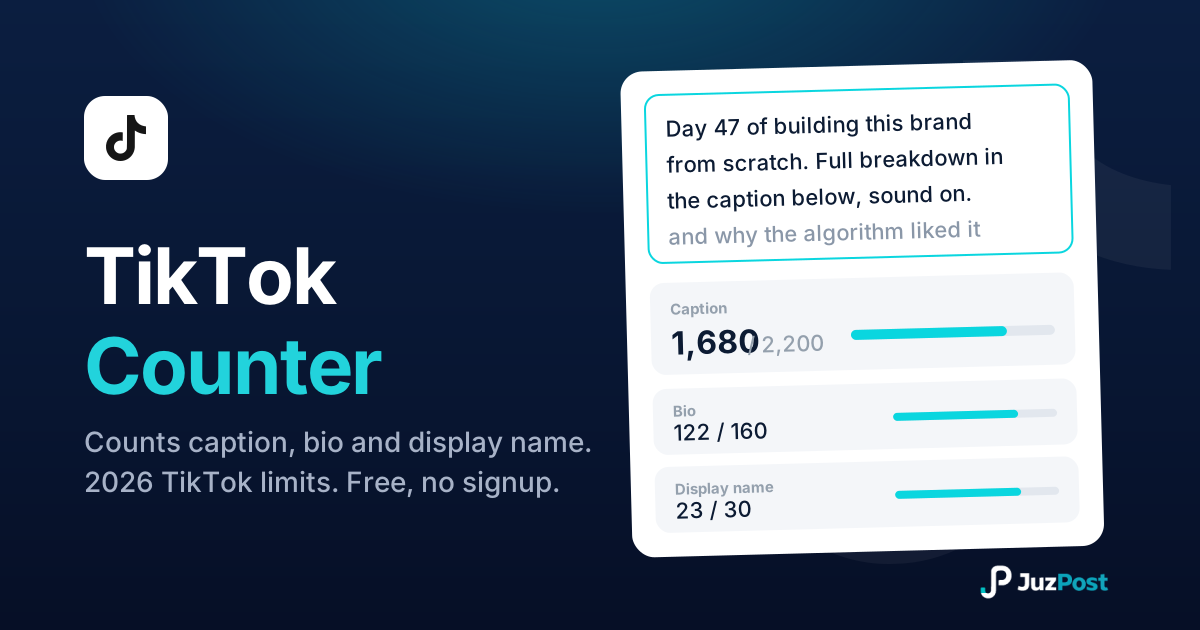
Live counts for your TikTok caption, bio and display name, measured the way TikTok enforces them, with the real 2026 limits for every field.
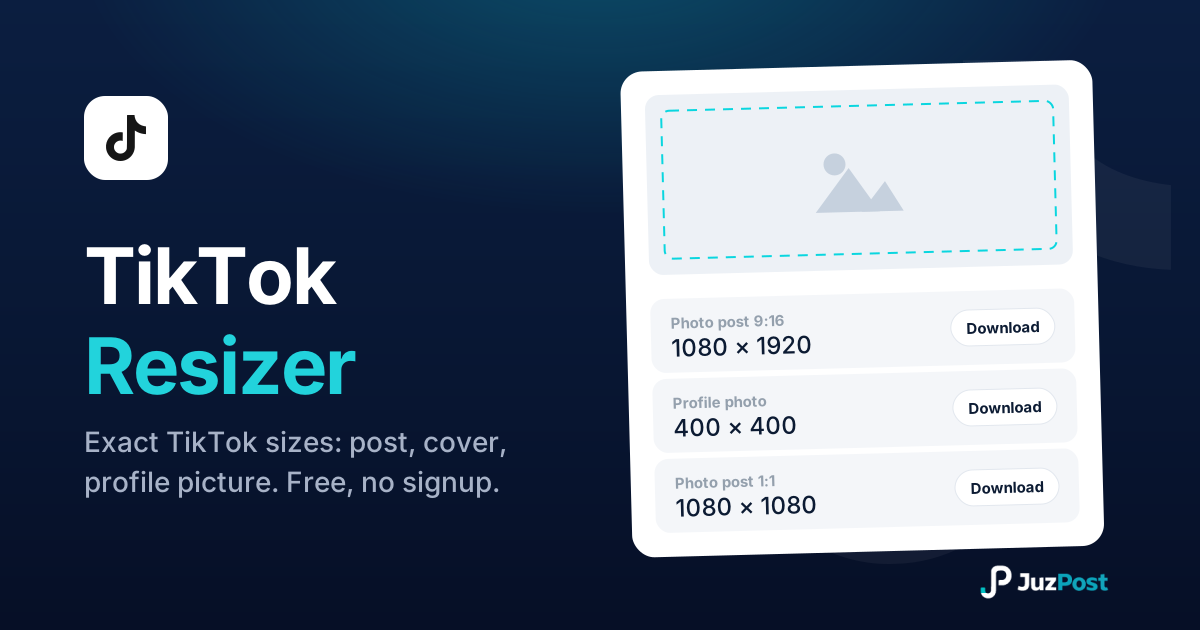
Resize any photo to TikTok’s real 2026 sizes: 200×200 profile circle, 1080×1920 posts and covers. Free, right in your browser.
Type once, search 34 Unicode font styles and copy one for your TikTok nickname (30 characters), bio (80) and captions. Free, no signup.