
Instagram Font Generator
Type once, search 34 Unicode styles, preview the pick on a profile mockup and copy it for your 150-character bio, captions and comments. No signup, nothing leaves your browser.

How to use the Instagram Font Generator
Type or paste your text
Enter your bio line, caption or comment in the box above. Every style row restyles live as you type, so you see your exact words in each font.
Search or scroll the 34 live previews
Each row shows one Unicode style, from Bold, Script and Fraktur to Bubble, Squared and decorated sets. Type a word like cursive, gothic or bubble in the search box to jump to a family. Pick a row and the profile mockup shows it in your bio, with the 150-character counter updating as you type.
Copy the style you want
Press Copy next to a row and the full styled text lands on your clipboard. One click per style, no select-all needed.
Paste into Instagram
Paste into your bio, a caption, a comment or your profile name. The styling travels inside the characters themselves, so nothing is stripped on the way in. Usernames are the exception: they accept only plain letters, numbers, periods and underscores.
Where styled fonts work on Instagram, and the limits that apply
Styled Unicode text works in almost every Instagram field: your bio, post captions, comments, the name field on your profile, story text and DMs all accept it. The one field that rejects it is the username, which allows only letters, numbers, periods and underscores, capped at 30 characters. If a generator promises fancy usernames, it is promising something Instagram does not permit.
The limits themselves, unchanged as of 2026: bios cap at 150 characters, captions at 2,200, and the feed truncates a caption behind “…more” at about 125 characters, so the opening line carries the post. Hashtags cap at 30 per post.
One counting nuance catches people constantly: a styled letter can count as more than one character against the bio limit. That is why a bio that looks like 85 characters can still hit the 150 cap or get cut off when you save. If your bio truncates early, the styled letters are spending your budget faster than the visible length suggests.
Are these real fonts? How Unicode text styles work
Instagram offers no font picker for bios, captions or comments, so there is nothing to install and nothing a real font file could change. The “fonts” this tool produces are Unicode characters, mostly from the Mathematical Alphanumeric Symbols block: 𝗕 is a different character from B the same way é is different from e. Instagram stores them as ordinary text, which is exactly why they survive copy and paste on every device with no app or plugin involved.
These styles cover A to Z, a to z and 0 to 9. Accented letters such as ş, ä or ñ, other scripts, emoji and punctuation pass through unchanged rather than breaking, so a mixed-language bio keeps its accents intact next to the styled Latin letters. Most generators silently mangle those characters; this one leaves them alone by design.
A separate thing entirely: if you searched “why did my Instagram fonts change” or “why did Instagram remove fonts”, that is about the app’s built-in story and caption fonts, a small native set that Meta adds and removes without notice and rolls out unevenly, which is why two accounts on the same phone can show different lineups. Unicode styles like the ones here are independent of that native set and are not affected by those rollouts.
Why some fonts don’t show up (or get cut) in your bio
Instagram silently filters certain fancy characters and heavy diacritics from bios, and Meta publishes no list of what gets blocked. Stacked zalgo-style combining marks are stripped most aggressively, which is why this generator offers no combining-mark styles for Instagram at all. The everyday styles at the top of the list are pure Mathematical Alphanumeric and fullwidth code points, the set that survives the bio filter most reliably; the bubble, squared and decorated sets further down use enclosed and symbol code points that Instagram accepts but older phones may not draw.
Rendering is the second failure mode. Some older Android and Windows builds lack the glyphs for rarer styles and draw an empty box (□) instead. That risk sits in the reader’s device fonts, not in your text, and the plainer styles like Bold and Italic are the safest across old hardware.
Discoverability is the third. Instagram search matches literal characters, so a styled keyword will not match a plain-text search and a styled hashtag will not behave like a plain one. Keep your name, niche keywords and hashtags in normal text and spend the styling on the decorative line.
Use fancy fonts without locking out screen readers
Screen readers announce Unicode-styled letters one code point at a time, so a styled word can be read out as “mathematical bold script capital H” and onward, letter by letter. A fully styled bio reaches a VoiceOver or TalkBack user as noise, and blind and low-vision users have been asking creators to rein this in for years.
The fix is restraint, not abstinence: style one line for decoration at most, keep your name, keywords, links and any call to action in plain text, and skip stacked decorative marks entirely. A bio that follows those rules stays readable to every visitor and still looks distinct in a follower list.
Frequently asked questions
How do I change the font in my Instagram bio?
Type your bio text into the generator above, press Copy next to the style you like, then paste it into Edit profile, Bio in the Instagram app. The bio caps at 150 characters and styled letters can count as more than one character against that limit, so check the saved result. If a letter vanishes after saving, Instagram filtered it; switch to a simpler style like Bold or Italic.
Do Instagram fonts work in usernames?
No. Usernames allow only letters, numbers, periods and underscores, capped at 30 characters, so styled Unicode letters are rejected there. Your bio, captions, comments and the name field on your profile all accept styled text, so put the fancy letters in those fields instead.
Why is my Instagram bio font not showing up or getting cut off?
Instagram silently filters certain fancy characters and heavy diacritics from bios, so some styles are stripped the moment you save. Styled letters can also count as more than one character, which is why a bio can get cut off well before it looks like 150 characters. This generator sticks to plain Mathematical Alphanumeric code points with no stacked accent marks because those survive the bio filter most reliably.
Are Instagram font generators allowed, or can you get banned for using them?
Styled text is ordinary Unicode, the same standard behind é and ñ, so pasting it breaks no technical rule and there is no known Instagram policy against it. When Instagram dislikes a character it simply filters it out of your bio rather than penalising your account. Keep decorative text readable and skip stacked zalgo marks, which are the characters stripped most aggressively.
What are the fancy Instagram fonts actually called?
They are Unicode characters, mostly from the Mathematical Alphanumeric Symbols block: 𝗕 is a different character from B the way é differs from e. They are not fonts at all, which is exactly why they survive copy and paste. Instagram stores them as ordinary text and every device draws them from its own system fonts.
Do fancy fonts hurt engagement or accessibility on Instagram?
They can. Screen readers announce styled letters one code point at a time, so a fully styled bio reaches a VoiceOver user as noise, and Instagram search cannot match styled words, so decorated keywords lose discoverability. Style one line for decoration and keep your name, keywords and any call to action in plain text.
How many characters can an Instagram bio have in 2026?
150 characters, a limit that has held stable for years and is unchanged as of 2026. Captions are far roomier at 2,200 characters, though the feed truncates them behind “…more” at about 125. Styled letters can count as more than one character, so a styled bio reaches the 150 cap sooner than its visible length suggests.
More free tools
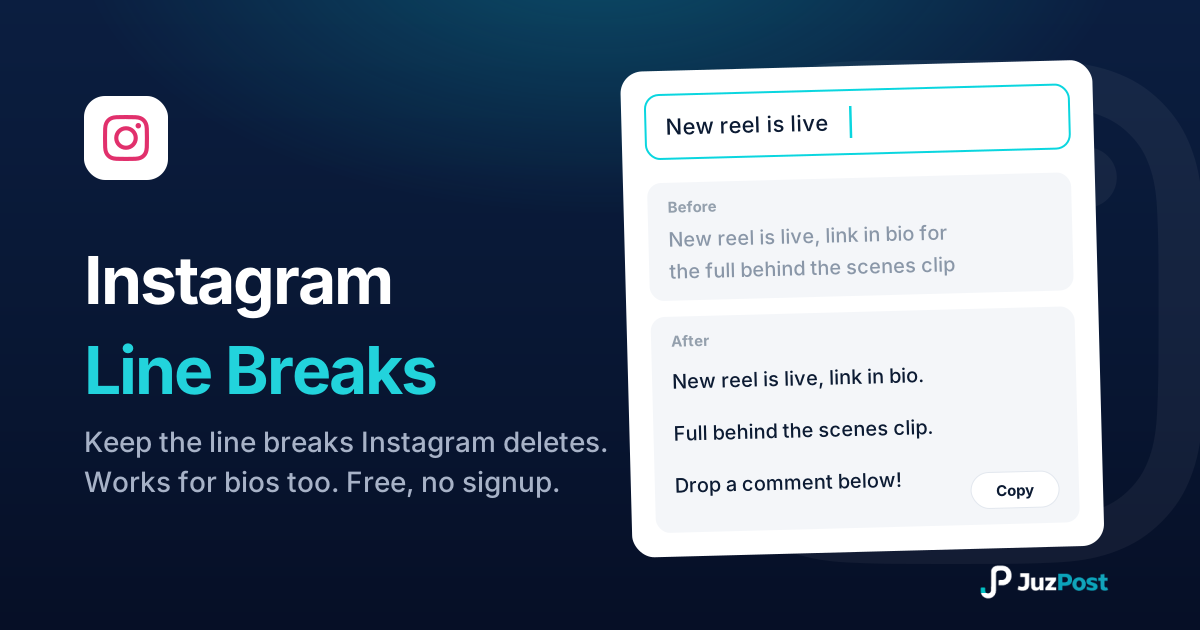
Line breaks and caption spaces Instagram keeps. Paste, preview the 125-character “…more” cutoff, copy. No periods, no dashes.

Paste a post, Reel or profile URL and get APA 7, MLA 9, Chicago and Harvard citations with in-text forms, with the 20-word and 160-character truncations done for you.
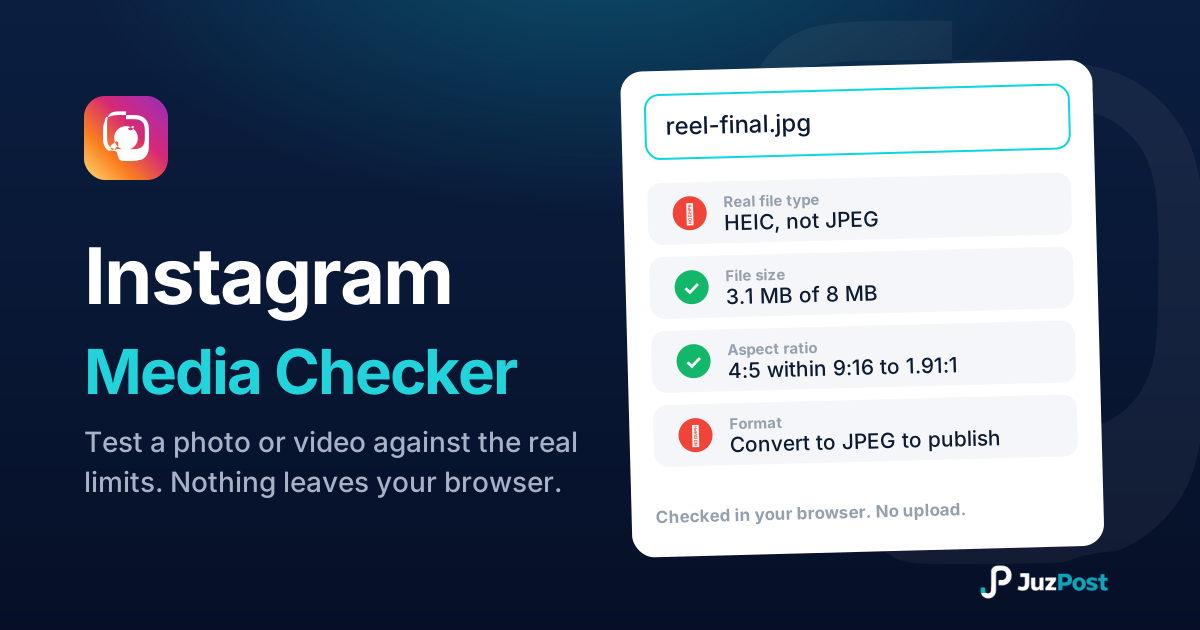
Drop a photo or video and see whether Instagram will accept it. Real file type, format, size, ratio and length, checked in your browser. Nothing is uploaded.