
Instagram Photo Resizer
Resize photos to Instagram’s exact 2026 sizes, from 4:5 (1080×1350) to the new 3:4 (1080×1440), right in your browser. No upload, no signup.

How to use the Instagram Photo Resizer
Drop in your photo
Drag a PNG, JPG or WebP onto the card, or click to pick one. The file is decoded right in your browser and never uploaded anywhere.
Pick an Instagram placement
Six presets cover every 2026 placement: 4:5 portrait (1080×1350), the new 3:4 (1080×1440), square (1080×1080), landscape (1080×566), Story and Reel (1080×1920), and profile photo (320×320).
Check the live preview
The preview shows exactly what will export. The photo is scaled to fill the frame and any overflow is trimmed symmetrically from the edges, so pick the preset closest to your photo’s ratio to keep the most of it.
Download as JPG or PNG
JPG exports at quality 92, inside the 90 to 95 band that survives Instagram’s recompression best, at exactly the preset’s pixel dimensions so Instagram has nothing left to rescale.
Instagram image sizes for 2026, verified
As of August 2026, the recommended feed size is 1080×1350 pixels at 4:5. That is the default portrait format and the standard for carousels. The feed also accepts 1080×1080 squares, 1080×566 landscape at 1.91:1 (the widest ratio allowed), and, since May 30 2025, a native 3:4 option at 1080×1440 that posts taller images with no crop. Stories and Reels use 1080×1920 at 9:16, and profile photos upload at 320×320 but display as a circle of roughly 110 pixels.
Width is the number that matters most. Anything wider than 1080 pixels gets scaled down to 1080 on upload, and anything under 320 pixels gets scaled up. Both cost sharpness. Exporting at exactly 1080 pixels wide, which every feed preset here does, means Instagram applies no resampling of its own.
The maximum photo file size is 8 MB. Ratio, width and file size are the three levers Instagram checks; get all three right and the platform has the least possible reason to degrade your image. These numbers were cross-checked against multiple current size guides in August 2026, because several changed during 2025 and copy from before then is often wrong.
How to avoid Instagram cropping your photo
Instagram crops when your photo’s ratio falls outside what the placement accepts: the feed spans 1.91:1 landscape to 4:5 portrait, plus the native 3:4 option. A full-height 2:3 portrait or a 16:9 landscape lands outside that range, so Instagram trims it to fit. The fix is to resize to a supported ratio yourself, before upload, where you control what survives.
Most phone and camera photos are shot at 3:4, which is why the 1080×1440 preset matters: it matches that native ratio exactly, so the entire frame fits with zero cropping. The 4:5 preset (1080×1350) trims only a thin slice from the top and bottom of a 3:4 original. This resizer always crops from the center outward, symmetrically, and the preview shows the exact result before you download, so nothing gets cut that you did not see coming.
One caveat on 3:4: Instagram’s own apps have accepted it since May 2025, but as of March 2026 some software that publishes through Instagram’s API still forces 3:4 uploads down to a 4:5 crop. If you schedule posts rather than publish by hand, test one 3:4 post first; if your publishing route clips it, 1080×1350 is the safe ceiling.
Why Instagram makes photos blurry, and how to beat it
Instagram recompresses every upload to roughly JPEG quality 70 to 75. A 1.6 MB photo can come back at around 125 KB, which is why an image that looked sharp in your editor turns soft in the feed. You cannot switch that compression off; you can only give it less to destroy.
The playbook, as of 2026: upload a JPEG in the sRGB color space, at exactly 1080 pixels wide, exported at quality 90 to 95, which typically lands a photo in the 300 to 600 KB range. A file in that shape passes through Instagram’s pipeline with the least visible loss, because there is no resize step and the recompression starts from a clean source.
Avoid uploading PNGs of photographs. Instagram converts PNG to JPEG on its servers, and that conversion runs at Instagram’s quality settings, not yours, adding a generation of loss you never previewed. This tool’s JPG export bakes the playbook in: quality 92, exact preset dimensions, processed entirely on your device. Because everything runs in your browser, the photo also never touches a server, which makes the resize instant and private.
The 3:4 grid, carousels and Stories
Instagram’s profile grid switched from square to 3:4 thumbnails in late 2025. Every post, including old squares and 4:5 portraits, is now center-cropped to roughly 1012×1350 in the grid; the full image still shows when someone taps through. Different guides print the thumbnail width as 1012 to 1015 pixels, so the reliable move is to design at 1080×1440 and let Instagram scale. If an existing post crops badly, the Adjust Preview option in the post’s three-dot menu lets you reposition the thumbnail without reposting.
For square and 4:5 posts, that grid crop means the left and right edges (for squares) or top and bottom edges (for 4:5) can vanish from the thumbnail. Keep faces and text near the center of the frame, or post at 3:4 so the grid shows the photo exactly as you framed it.
Carousels take their ratio from the first image: every following slide is forced to match it, so resize the whole set to one preset before uploading, with 1080×1350 as the recommended choice. For Stories and Reels at 1080×1920, keep anything important clear of the top 250 pixels and bottom 340 pixels or so, because the username, camera and reply UI overlay those zones.
Frequently asked questions
What is the best Instagram photo size in 2026?
1080×1350 pixels at 4:5 is the best all-round Instagram post size in 2026. It is the recommended portrait default and the carousel standard. The feed accepts anything from 1.91:1 landscape (1080×566) to 4:5, plus a native 3:4 option at 1080×1440 added in May 2025. Whatever ratio you pick, export at exactly 1080 pixels wide, because Instagram scales wider uploads down to 1080 and that resample costs sharpness.
How do I resize a photo for Instagram without cropping it?
Pick the preset that matches your photo’s ratio, and nothing meaningful gets cropped. Most phone and camera photos are shot at 3:4, so the 1080×1440 preset keeps the entire frame; the 4:5 preset (1080×1350) trims only a thin slice from the top and bottom of a 3:4 original. When ratios do differ, this tool crops symmetrically from the center and shows a live preview, so you see exactly what stays before you download.
What is the 3:4 Instagram format and should I use it instead of 4:5?
The 3:4 format is 1080×1440 pixels, added by Instagram on May 30 2025 as a native upload ratio, and it is the best choice for photos straight off a phone camera because that is the ratio they are shot in. It also matches the new 3:4 profile grid exactly, so your thumbnail shows the photo as framed instead of a center crop. One caution: as of March 2026 some tools that publish through Instagram’s API still force 3:4 down to a 4:5 crop, so if you schedule posts, test one 3:4 upload before committing a whole grid to it.
Why does Instagram make my photos blurry after uploading?
Because Instagram recompresses every upload to roughly JPEG quality 70 to 75. A 1.6 MB photo can come out around 125 KB. You cannot turn that off, but you can minimize the damage: upload a JPEG in sRGB at exactly 1080 pixels wide, exported at quality 90 to 95, so Instagram has no resizing to do and starts its compression from a clean file. This resizer exports JPGs at quality 92 at exact preset dimensions for precisely that reason.
What size are Instagram grid thumbnails now?
Profile grid thumbnails are 3:4, at roughly 1012×1350 pixels, after Instagram replaced the square grid in late 2025. Every post is center-cropped to 3:4 in the grid, including old squares, though the full image still opens on tap. Guides disagree between 1012 and 1015 pixels wide, so the safe approach is to design at 1080×1440 and let Instagram scale it; the Adjust Preview option in a post’s three-dot menu can reposition a thumbnail that crops badly.
What file format and file size should I upload to Instagram?
Upload a JPEG in the sRGB color space, under the 8 MB photo limit, ideally in the 300 to 600 KB range at quality 90 to 95. Avoid PNG for photographs: Instagram converts PNGs to JPEG on upload at its own quality settings, which adds a second round of loss you never got to preview. This tool accepts PNG, JPG and WebP in, and its JPG export at quality 92 lands inside that recommended band.
Does this resizer upload my photo anywhere?
No. The photo is decoded and resized entirely in your browser using the canvas built into it: no upload, no server, no account. That is also why it is fast. There is no network round trip, so switching presets and exporting is instant even on large files.
More free tools
Type once, search 34 Unicode styles, preview the pick on a profile mockup and copy it for your 150-character bio, captions and comments. No signup, nothing leaves your browser.
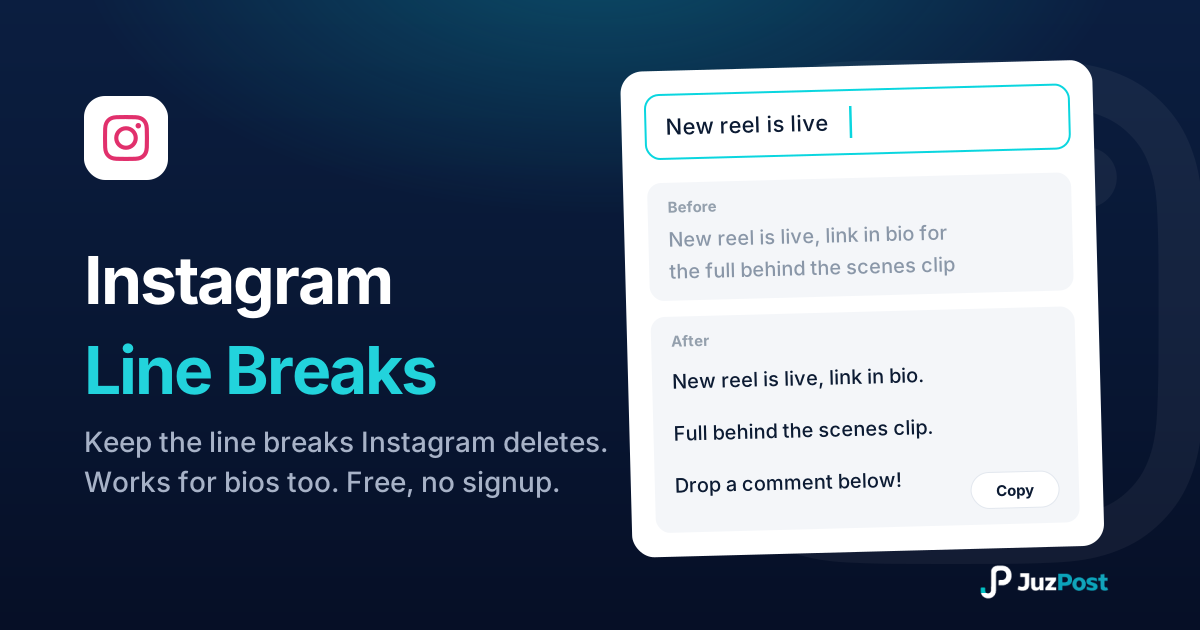
Line breaks and caption spaces Instagram keeps. Paste, preview the 125-character “…more” cutoff, copy. No periods, no dashes.

Paste a post, Reel or profile URL and get APA 7, MLA 9, Chicago and Harvard citations with in-text forms, with the 20-word and 160-character truncations done for you.