
LinkedIn Character Counter
Live counts for the 3,000-character post, 220-character headline and 2,600-character About section, measured in the same UTF-16 units LinkedIn enforces.

How to use the LinkedIn Character Counter
Pick the field you are writing
Post, Headline and About each get their own box with its own limit (3,000, 220 and 2,600 characters), so your draft is checked against the cap that actually applies to it.
Paste or type your draft
The count updates live as used / limit. It is measured in UTF-16 units, the same way LinkedIn’s composer enforces the cap, so emoji and Unicode bold letters cost 2 or more here exactly as they do there.
Watch the meter
Each field’s bar turns amber past 90% of the limit and red once you are over. Word and hashtag tallies for the post sit below the fields.
Trim with the cutoffs in mind
Keep the hook inside the first ~140 characters so it survives the mobile “…see more” fold (~210 on desktop), then cut until every meter is back in range. Everything runs in your browser. Nothing is uploaded.
LinkedIn character limits in 2026
A LinkedIn post caps at 3,000 characters, with spaces, emojis and line breaks all included, per LinkedIn’s own help documentation, and the same cap applies to personal and company page posts. The limit was raised from 1,300 in the 2022–2023 era and has held at 3,000 through 2026.
The other fields have their own caps: the headline allows 220 characters, the About (summary) section 2,600, a comment 1,250, a connection request note up to 300 (free accounts may be capped at 200), a direct message 8,000, and first and last name 50 characters each. Articles are the escape hatch for long-form writing, at roughly 110,000+ characters. All of these numbers were last verified in August 2026.
Stale numbers still circulate. Pages that list company posts at 700 characters or direct messages at 300 are quoting limits that no longer match current sources. The counter above always checks against the verified 2026 caps.
Where the “…see more” cutoff really falls
Roughly 210 characters show on desktop and about 140 in the mobile app before LinkedIn folds the rest of a post behind “…see more”. LinkedIn does not publish these numbers; they come from empirical measurements in mid-2026 and they drift with device, app version and window width. If the hook has to survive everywhere, write it to fit in 140.
The fold is not purely character-based, either. The feed limits visible lines, so a post made of several short lines can truncate well before 210 characters, and each blank line between them costs 2 characters of the limit on top. That is why a post that “was under 210 characters” can still get cut.
The practical move: put the one sentence that earns the click before character 140, and treat everything after it as behind the fold. The Post field above shows your running total so you can see exactly where 140 and 210 land in your draft.
How LinkedIn actually counts characters
LinkedIn measures text in UTF-16 code units, not in what most people would call characters. A simple emoji like 😀 costs 2, a skin-tone emoji like 👍🏽 costs 4, a family emoji costs around 8, and every letter of Unicode bold or italic “font” text costs 2 instead of 1. Spaces and line breaks count too; a blank line is 2.
This is the answer to the most common “why am I over the limit?” confusion: a sentence restyled as 𝗯𝗼𝗹𝗱 doubles in cost while looking the same length, and a single emoji can be the 2 characters that tip a maxed-out post over 3,000. Claims that emoji count as one character on LinkedIn are contradicted by empirical UTF-16 analysis from 2026.
This counter counts UTF-16 code units the same way, so the number you see here matches the number LinkedIn’s composer enforces, with no surprise rejection when you paste. One caveat before you reach for styled text: screen readers struggle with Unicode bold and italic letters, so the 2x character cost buys formatting that part of your audience cannot read.
Headline visibility and the post length that earns engagement
The headline allows 220 characters (raised from 120 in 2020), but search results and mobile previews show only about 65 to 70 of them. Front-load your role and strongest keywords; anything past ~70 characters is for the people who already opened your profile. The About section behaves the same way at a larger scale: 2,600 characters allowed, roughly 300 visible before its own “see more”.
For posts, longer performs better than most people expect. A 2026 analysis of 372,126 LinkedIn posts (September 2025 to February 2026) found posts of 1,301–2,500 characters earned about 27% higher engagement than posts under 400. The pattern that works: a hook inside the first 140 characters, then substance deep enough to justify the click.
LinkedIn’s own composer shows no running count. It just stops accepting input at the limit. Draft against the fields above instead, and you will know whether you are at a 900-character quick take or pushing the 3,000 cap before you ever open LinkedIn.
Frequently asked questions
How many characters can a LinkedIn post have?
A LinkedIn post can be up to 3,000 characters, and that count includes spaces, emojis and line breaks. The same 3,000-character cap applies to personal posts and company page posts. LinkedIn raised the limit from 1,300 in the 2022–2023 era, and it has held at 3,000 through 2026.
How many characters show before “see more” on LinkedIn?
Roughly 210 characters on desktop and about 140 in the mobile app, after which LinkedIn folds the rest behind “…see more”. LinkedIn does not publish the exact cutoff and it varies with device, app version and window width, so treat 140 as the safe budget for your hook. The fold is also line-based, so several short lines or blank lines can trigger it before you reach 210 characters.
Do emojis and bold text count extra toward LinkedIn’s character limit?
Yes. LinkedIn counts UTF-16 code units, so a simple emoji costs 2 characters, a skin-tone emoji costs 4, a family emoji costs around 8, and every letter of Unicode bold or italic text costs 2 instead of 1. That is why a styled sentence can push you over the limit while looking the same length. This counter uses the same UTF-16 units, so its numbers match what LinkedIn’s composer enforces.
What is the LinkedIn headline character limit, and how much is visible?
The LinkedIn headline limit is 220 characters, raised from 120 in 2020. Only about 65 to 70 of them show in search results and mobile previews, so put your role and strongest keywords first. The Headline field above counts your draft against the full 220 as you type.
Do spaces and line breaks count as characters on LinkedIn?
Yes. Every space and line break counts toward the 3,000-character post limit, and a blank line between paragraphs costs 2 characters. Airy, line-broken posts therefore spend the limit faster than dense paragraphs with the same word count. Blank lines also matter for truncation, because the feed folds posts by visible lines as well as by characters.
Is the LinkedIn connection request note 200 or 300 characters?
The connection request note allows up to 300 characters, but as of 2026 some sources report free accounts capped at 200, with 300 available on Premium. Write to 200 if the note has to fit either way. Both are separate from direct messages, which allow 8,000 characters.
What happens if my post exceeds 3,000 characters?
LinkedIn will not publish it. The composer stops accepting input at 3,000 characters, and because it shows no running count, many people only find out when it cuts them off. Trim your draft in the Post field above until it is back under 3,000, or move genuinely long content to a LinkedIn article, which allows roughly 110,000+ characters.
More free tools
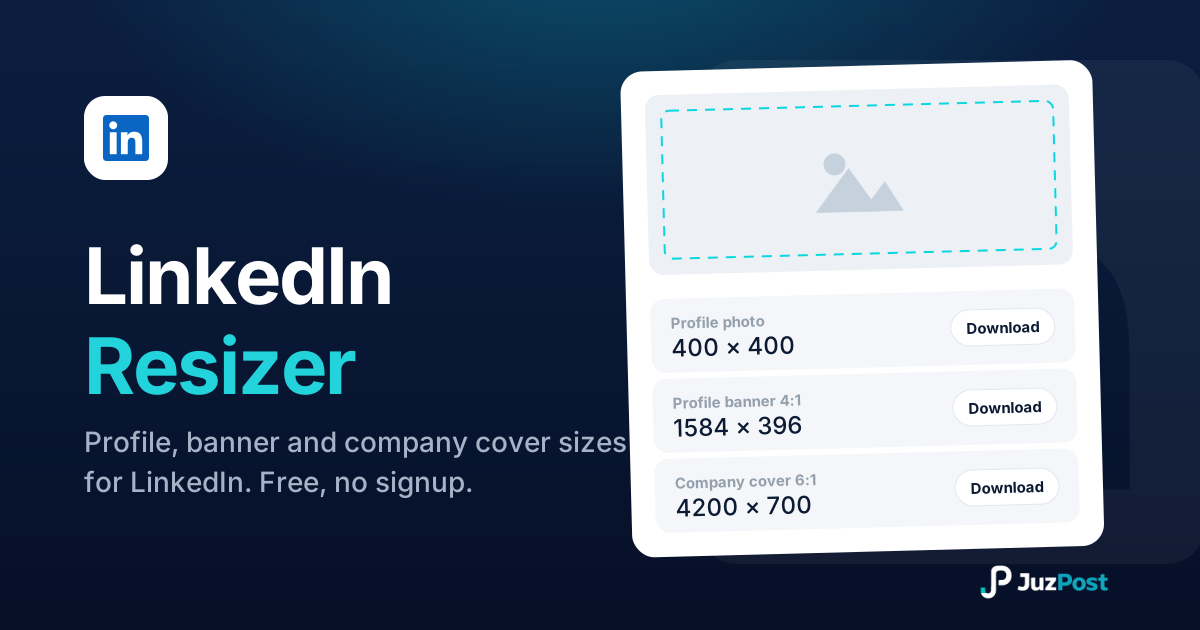
Resize any photo to LinkedIn’s exact specs (profile 400×400, banner 1584×396, company cover 4200×700) with a live preview, right in your browser.
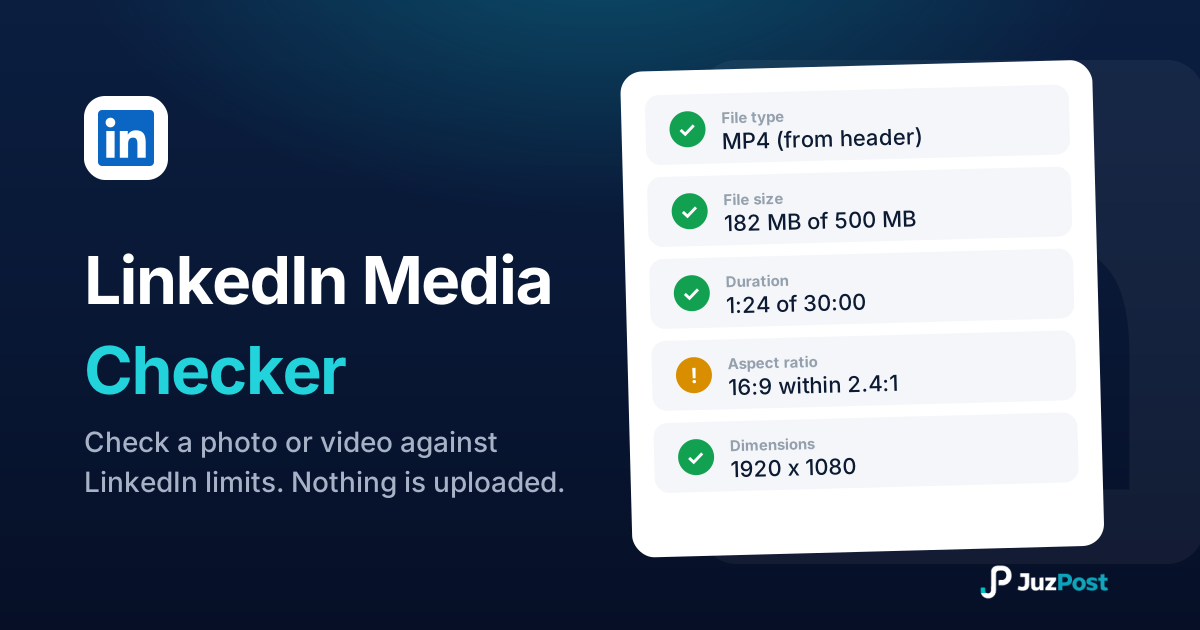
Drop in a photo or video and see whether it will publish to LinkedIn. Real file type, format, size, dimensions, ratio and duration, checked in your browser.
Bold, italic and underline text that pastes straight into LinkedIn posts.