
X Media Checker
Drop in a photo or video and see whether it will post to X before you waste an upload. Real file type, format, size, dimensions and duration, checked in your browser. Nothing is uploaded.

How to use the X Media Checker
Drop your file onto the page
Drag a photo or a video onto the card, or pick one from your device. The file is read in your browser and never sent to a server.
Read the verdict, rule by rule
Each rule shows as pass, warning or fail: real file type read from the file’s magic bytes rather than its extension, format, file size, pixel dimensions, aspect ratio and, for video, duration.
Fix a photo here
For an image that fails, apply the fix on the spot: convert to JPEG, compress under the 5 MB photo cap, or resize the long edge. It all runs on your device with no installer.
Re-export a video, then check again
Video is diagnosed, never converted here. The report names the export setting to change, such as MP4 or MOV, a 1280 px long edge and under 100 MB, so you can fix it once in your editor and drop the new file back in.
What X accepts, and what JuzPost publishes
For photos, X takes JPG, JPEG, PNG, WebP and GIF. A still image must come in under 5 MB, and an animated GIF gets its own allowance of 15 MB. Those are the exact numbers this checker holds you to, because they are the numbers JuzPost enforces when it publishes for you.
For video, X takes MP4 and MOV containers. JuzPost caps a video at 100 MB, between half a second and 20 minutes long, with a long edge of 1280 pixels and an aspect ratio between 1:3 and 3:1. A post carries 1 to 4 pieces of media and they cannot be mixed: four photos, or one GIF, or one video.
Two of those numbers are stricter than X’s own published ones, on purpose. X documents 512 MB for a video on the API path, but each chunk of an upload is a billed request, so holding video at 100 MB is roughly 25 chunks instead of roughly 125. X also documents a dimension ceiling of 1280x1024, which means a 1080p export is out of spec on the publishing API even though the phone app takes it happily. Catching that here costs nothing; catching it after a paid upload costs money and time.
Why your file was rejected
The message X shows when an upload fails almost never names the rule that broke, which is why the same question fills the developer forums year after year. In practice the cause is usually one of a short list, and this tool checks that list in order of how often it bites.
For video: the container is not MP4 or MOV, the codec inside is HEVC or AV1 rather than H.264 with AAC audio, the long edge is above 1280 pixels, the clip runs shorter than half a second or longer than 20 minutes, the ratio falls outside 1:3 to 3:1, or the file is over 100 MB. Nothing in a generic failure message mentions codecs, so a file that plays fine everywhere else can still be refused.
For photos: the file is not really what its name says. A HEIC from an iPhone renamed to .jpg, a WebP saved as .png, a screenshot that is secretly something else. That is why this checker reads the first bytes of the file to identify it rather than trusting the extension. The other common photo failures are simply size: a still over 5 MB, or a GIF over 15 MB.
Everything stays on your device
The file never leaves your browser. There is no upload, no server, no account and no queue, so the check is instant and your unpublished media stays private. That also means no installer: the usual answer to a rejected video is to download a desktop converter, and you do not need one to find out what is wrong.
Images can be fixed right here, since a browser can decode and re-encode a photo on its own. Video is a different job, so this page reports the fault and names the setting to change instead of pretending to re-encode a clip it cannot. Fix the export once in your editor and every future file from that preset will pass.
One thing worth knowing before you schedule anything: the X app is more permissive than the X API. A video you posted by hand from your phone can still be refused when any scheduler sends it, because the API path applies tighter dimension and duration rules. A file that passes this checker is a file JuzPost will publish.
Frequently asked questions
What video format does X accept?
MP4 or MOV. Inside that container X wants H.264 video with AAC audio, which is the reason an HEVC or AV1 export gets refused even though it plays fine on your computer. JuzPost also holds video to a 1280 pixel long edge, an aspect ratio between 1:3 and 3:1, and a file size under 100 MB.
What is the maximum video length on X?
JuzPost publishes video between 0.5 seconds and 20 minutes. Published figures disagree wildly: the older developer reference still lists 140 seconds, and X Premium advertises up to 4 hours on x.com and iOS. The 20 minute figure is the Post video cap this tool checks against, so anything that passes here will go out through JuzPost.
What is the maximum file size for a video on X?
X documents 512 MB on its API, but JuzPost caps video at 100 MB and this tool checks against 100 MB. The reason is cost: X bills per API request and a chunked upload bills each chunk, so a 100 MB cap is roughly 25 billed chunks instead of roughly 125. A larger file may post by hand in the app and still fail through a scheduler.
What is the maximum image size on X?
5 MB for a still photo and 15 MB for an animated GIF. Accepted photo formats are JPG, JPEG, PNG, WebP and GIF. If your file is over the cap, this page can compress it or convert it to JPEG in the browser, and resize it here too.
Why does X say my media file could not be processed?
Almost always because the file is not what X expects and the error does not say which rule broke. The usual causes are a codec X does not take, such as HEVC or AV1 instead of H.264, a container other than MP4 or MOV, a long edge over 1280 pixels, a duration outside 0.5 seconds to 20 minutes, a ratio outside 1:3 to 3:1, or a file over 100 MB. Drop the file in above and the failing rule is named for you.
Can you post HEIC photos to X?
Not through the desktop web upload or through a scheduler. The iPhone converts a HEIC before it uploads, which makes the iOS app look like it accepts the format when it does not. Anywhere else the upload fails, often silently. This tool spots a HEIC even when the file is named .jpg, and converts it to JPEG for you.
How many photos or videos can go in one post?
Up to 4 photos, or 1 GIF, or 1 video. They cannot be mixed, so you cannot attach three photos and a clip to the same post. JuzPost applies the same rule of 1 to 4 media per post with no mixing.
Does this tool upload my file anywhere?
No. The file is read and checked entirely in your browser, and image fixes are applied there too. Nothing is sent to a server, nothing is stored, and no account is needed. That is also why the result appears the moment you drop the file in.
More free tools
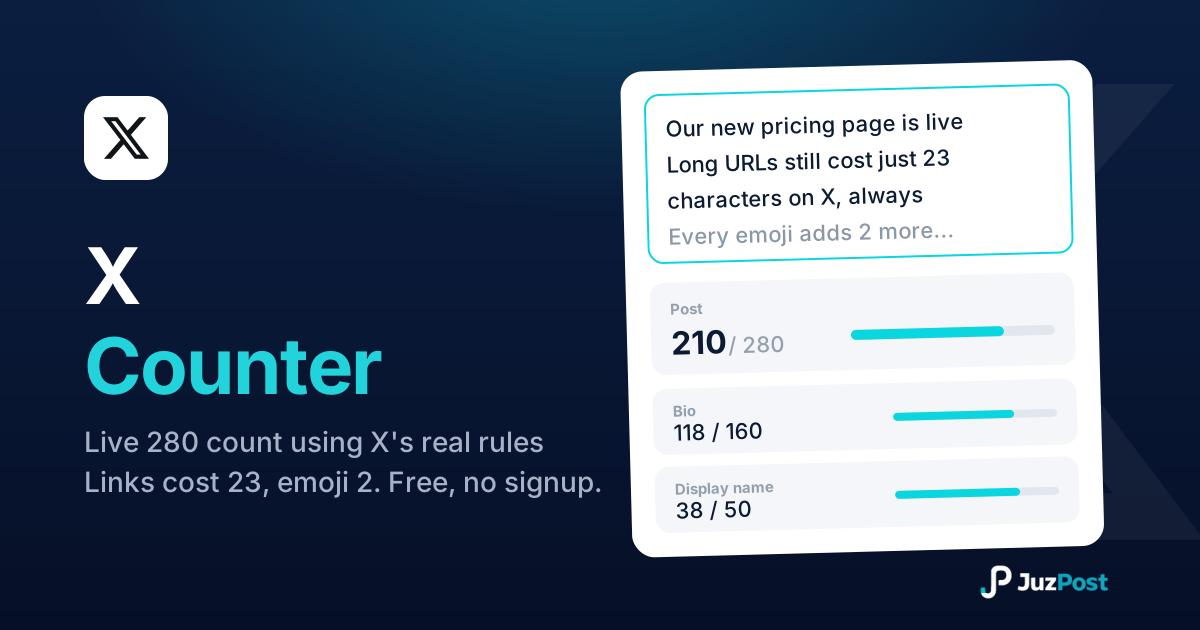
Live 280-limit check using X’s real weighted rules: every link costs 23 characters, every emoji costs 2. Bio and display name fields included.
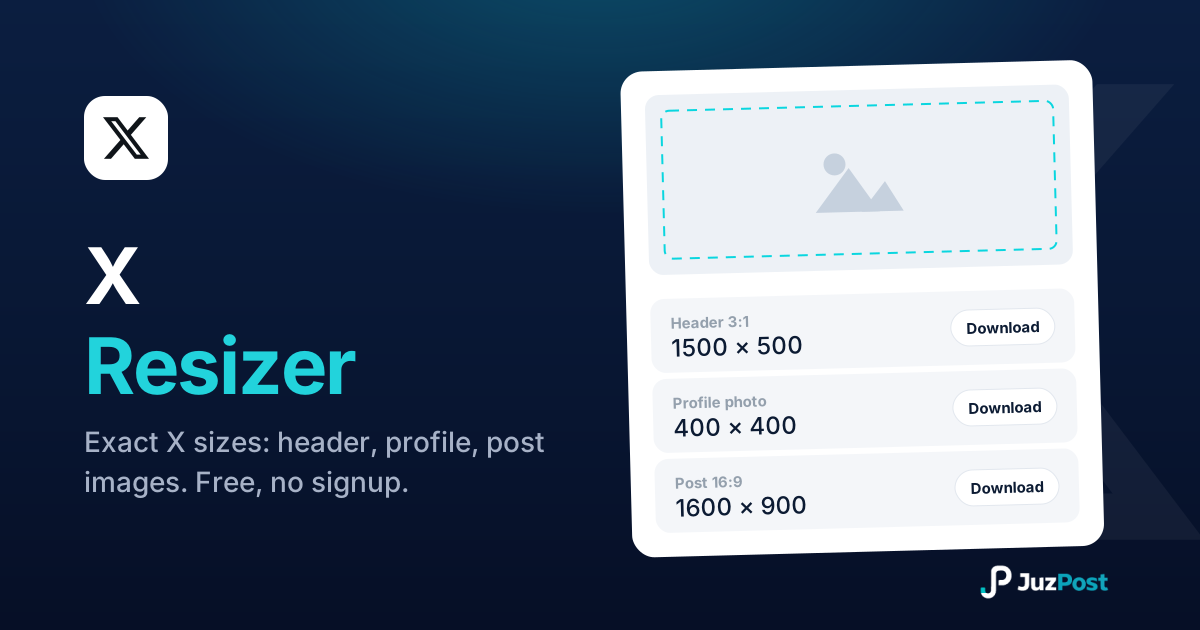
Resize any photo to exact X sizes (1500×500 header, 400×400 profile, 16:9 posts). Free, in your browser.

Bold, italic, cursive and fancy Unicode text that pastes into X posts (280 characters), bios (160) and display names (50).