
YouTube Citation Generator
Paste any YouTube link (watch, youtu.be, Shorts or live) and get a correct citation in APA 7, MLA 9, Chicago 18 or Harvard, with the in-text form included.

How to use the YouTube Citation Generator
Paste the video link
Any YouTube URL works: youtube.com/watch?v=…, a short youtu.be link, a Shorts URL or a /live URL. The tool looks up the video’s title and channel name automatically through YouTube’s public oEmbed endpoint.
Confirm the upload date
YouTube’s lookup returns the title and channel but not the upload date, so the tool asks you to copy it from the video page rather than guessing. If the video genuinely has no date, leave it blank and the citation uses n.d.
Pick your citation style
Switch between APA 7, MLA 9, Chicago 18 and Harvard (Cite Them Right). Each style shows the full reference and its matching in-text citation, formatted to the current edition, not a superseded one.
Copy it into your paper
One click copies the citation with italics intact, ready to paste into your reference list. Everything runs in your browser. No account, and your sources are never stored anywhere.
How to cite a YouTube video in APA 7, MLA 9, Chicago 18 and Harvard
APA 7 treats the channel or account that uploaded the video as the author. The template is: Author. (Year, Month Day). Title of video [Video]. YouTube. URL, with the title italicized and the [Video] bracket required. APA’s own worked example: Asian Boss. (2020, June 5). World’s leading vaccine expert fact-checks COVID-19 vaccine conspiracy: Stay curious #22 [Video]. YouTube. https://www.youtube.com/watch?v=WQdLDMLrYIA. The in-text citation is simply (Asian Boss, 2020).
MLA 9 splits on whether you know who made the video. When the creator is known, they lead the entry: Beyoncé. “Beyoncé - Pretty Hurts (Video).” YouTube, 24 Apr. 2014, www.youtube.com/watch?v=LXXQLa-5n5w. When authorship is unclear, start with the title and credit the channel with “uploaded by”: “Capybara Eat Huge Pumpkin.” YouTube, uploaded by Alex Smith, 12 Jan. 2021, followed by the URL. If the author and the uploader are the same account, name them once. Note that MLA drops the https:// prefix from URLs; its official examples begin at www.
Chicago is on its 18th edition (published 2024), and its YouTube format is more detailed than any other style: a footnote names the speaker, the video title, the event and recording dates, the uploading account, YouTube, the total running time and the URL. Picture a lecture note ending “posted March 21, 2022, by University of Chicago, YouTube, 1:01:45, https://youtu.be/hfq7AnCF5bg.” Chicago is the only major style that includes the video’s running time, and CMOS 18 itself cites a shortened youtu.be URL, so those are fine to use. The author-date in-text form is (Oliver 2022).
Harvard is not one format: there is no single official Harvard style, and university variants genuinely disagree. Cite Them Right, the most widely assigned version, uses: Owner of video (Year of upload) Title of the video. Date uploaded. Available at: URL (Accessed: date). Leeds Harvard instead writes Screen name. Year. Title. [Online]. [Accessed date]. Available from: URL. This generator defaults to Cite Them Right and says so, because pretending Harvard is uniform is how citations get marked down. Check your own university’s guide before submitting.
Citing a specific moment: timestamps in every style
Pointing at the exact moment is the single most common point of confusion, partly because the official guidance is thin. APA’s YouTube reference page gives no timestamp example at all; standard APA practice, following the manual’s treatment of audiovisual works, is to add the timestamp to the in-text citation the way a page number would appear: (Asian Boss, 2020, 1:47). The reference entry itself stays unchanged.
MLA requires timestamps for video in in-text citations, written as a time range or point in hh:mm:ss form, for example (00:01:47). That guidance was published by the MLA Style Center in 2018 under MLA 8 and carries into MLA 9 unchanged, useful to know if your instructor asks where the rule comes from.
Chicago 18 already records the total running time (such as 1:01:45) in the note and bibliography entry, and you point at a moment in your prose or note text, for example “at 1:47.” Harvard variants generally do not specify timestamp handling; when your variant is silent, naming the moment in the sentence itself is the safe course.
Tricky cases: no date, channel vs creator, Shorts and live streams
No upload date: use n.d. in place of the year. In APA that produces (Author, n.d.) in text. When you cite a whole channel rather than one video, APA also requires a retrieval date (Name. (n.d.). Home [YouTube channel]. YouTube. Retrieved Month Day, Year, from URL), because a channel’s content keeps changing after you cite it. Genuinely undated videos are rare; the date is almost always in the description under the player, which is why this tool asks you to confirm it rather than leaving the field silently blank.
Channel vs creator is the Crash Course problem: the organization that makes a series is not always the account that uploads it. APA 7 resolves it bluntly. The uploading account is the author, full stop, because that is who you retrieved the work from. MLA 9 gives you room: lead with the creator when authorship is clear, otherwise lead with the title and name the uploader. Either way, use the channel’s display name, not its @handle. Handles like @AsianBoss can differ from the display name Asian Boss, and every style expects the name as displayed.
Shorts and live streams cite exactly like regular videos; only the URL shape differs. This generator parses all four current forms: youtube.com/watch?v= with its 11-character video ID, youtu.be short links, youtube.com/shorts/ and youtube.com/live/ URLs. For a live stream in MLA you may substitute “streamed by” for “uploaded by” to reflect what actually happened. A film or TV episode re-uploaded to YouTube is the one genuinely different case: MLA treats it as two containers, citing the original work first and YouTube second.
Can you cite a YouTube video in an essay, and how this generator works
Yes, you can cite a YouTube video in academic work; every major style body publishes a YouTube format, which settles the question of legitimacy. The real judgment call is source quality: a recorded university lecture or an expert interview carries weight, while an anonymous compilation does not. And when a video merely re-presents another source (reading out a study, showing a documentary clip), cite the original source if you can reach it, and cite the video only for what the video itself contributes.
This tool auto-fills the title and channel name from YouTube’s public oEmbed endpoint, which returns exactly those fields, and notably not the upload date. That is why the date is the one field you confirm yourself: the alternative is a generator that quietly guesses, and a guessed date is worse than n.d. Everything runs in your browser; no account, no stored history, and the only network request is that one title lookup to YouTube.
Formats are checked against the current editions as of August 2026: APA 7 via apastyle.apa.org, MLA 9 via the MLA Style Center, the Chicago Manual of Style 18th edition (many guides online still show the 17th, which CMOS 18 replaced in 2024), and Cite Them Right for Harvard with the variance called out rather than papered over. If a style body revises its format, this page follows the source, not the other way around.
Frequently asked questions
Is the author the channel name or the person in the video?
In APA 7 the author is always the channel or account that uploaded the video, because that is who you retrieved it from, even when someone else made it. MLA 9 is more flexible: lead with the creator when authorship is clear, and when it is not, start with the title and credit the channel as “uploaded by.” In every style, use the channel’s display name rather than its @handle.
How do I cite a YouTube video with no upload date?
Replace the year with n.d., giving an in-text citation like (Author, n.d.) in APA. Check the video description first; YouTube shows the upload date there on almost every video. If you are citing a whole channel rather than one video, APA additionally requires a retrieval date, because a channel’s content keeps changing after you cite it.
How do I cite a specific timestamp in a YouTube video?
Put the timestamp in the in-text citation, not the reference entry. APA standard practice treats it like a page number: (Asian Boss, 2020, 1:47). MLA requires timestamps for video and writes them in hh:mm:ss form, such as (00:01:47). Chicago 18 lists the video’s total running time in the note itself, and you point to the moment in your prose.
Do you italicize YouTube video titles in APA and MLA?
In APA 7, yes: the video title is italicized and followed by the required [Video] bracket. In MLA 9, no: the title goes in quotation marks, and it is YouTube, the container, that gets the italics. This generator applies the right treatment per style so you never have to remember which is which.
How do I cite a YouTube Short or a live stream?
Use the same format as a regular video; the citation templates do not change, only the URL does. This tool parses youtube.com/shorts/ and youtube.com/live/ links the same way it parses watch?v= and youtu.be URLs. For a live stream in MLA, you may write “streamed by” instead of “uploaded by” to describe how the video reached YouTube.
Which Harvard format should I use, Cite Them Right or my university’s?
Your university’s, always. There is no single official Harvard style, and variants genuinely differ. This generator defaults to Cite Them Right, the most widely assigned version: Owner of video (Year) Title of the video. Date uploaded. Available at: URL (Accessed: date). Leeds Harvard, by contrast, uses [Online] and “Available from:”, so check your course handbook before submitting.
Is this YouTube citation generator really free with no signup?
Yes: free, no account, no citation limit, and it runs entirely in your browser. The only network request it makes is a title-and-channel lookup to YouTube’s public oEmbed endpoint; your reference list is never uploaded or stored anywhere.
More free tools
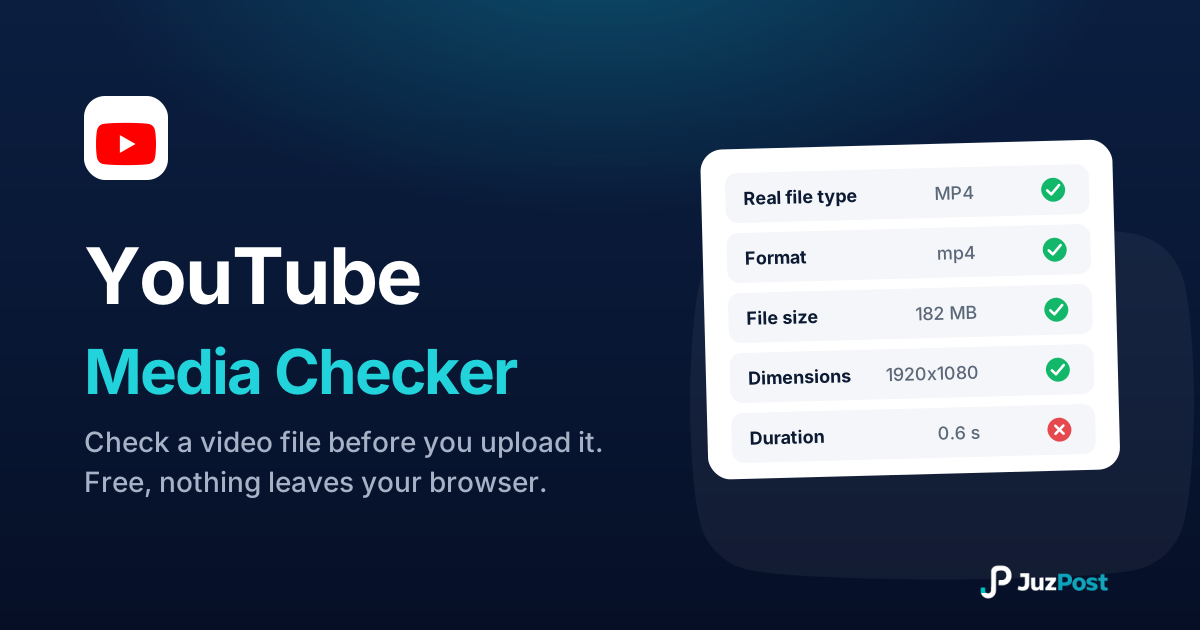
Drop a video in and see whether it will publish to YouTube. Reads the real file type, format, size, dimensions and length in your browser. Nothing is uploaded.
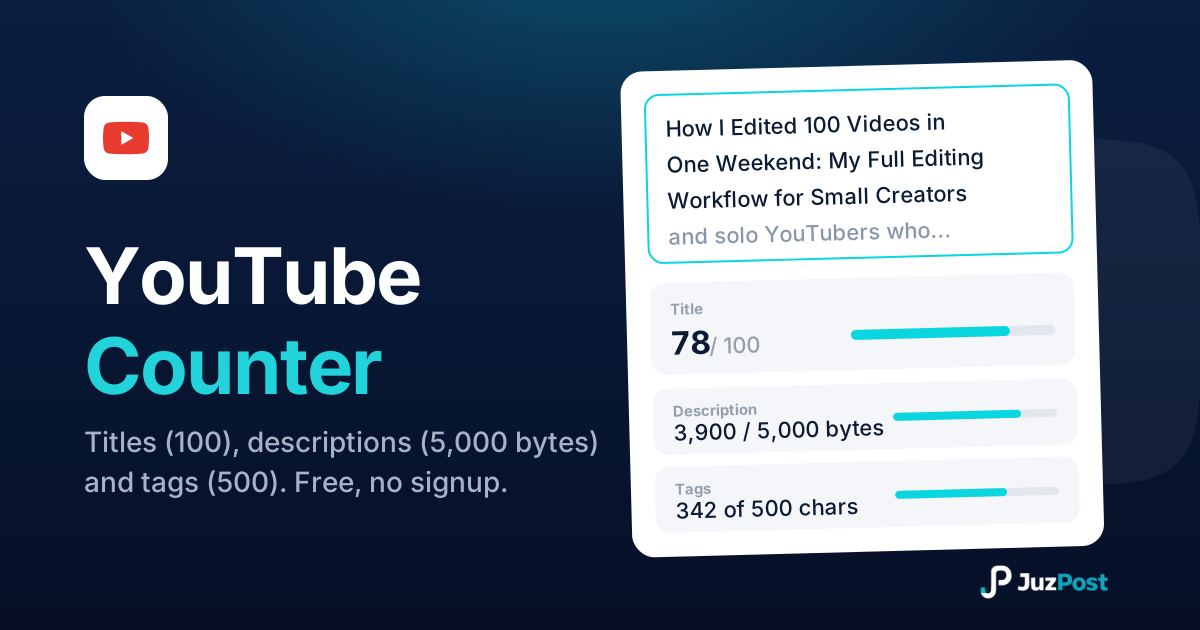
Live counts for YouTube titles (100 characters), descriptions (5,000 bytes) and tags (500), measured the way YouTube actually measures them.
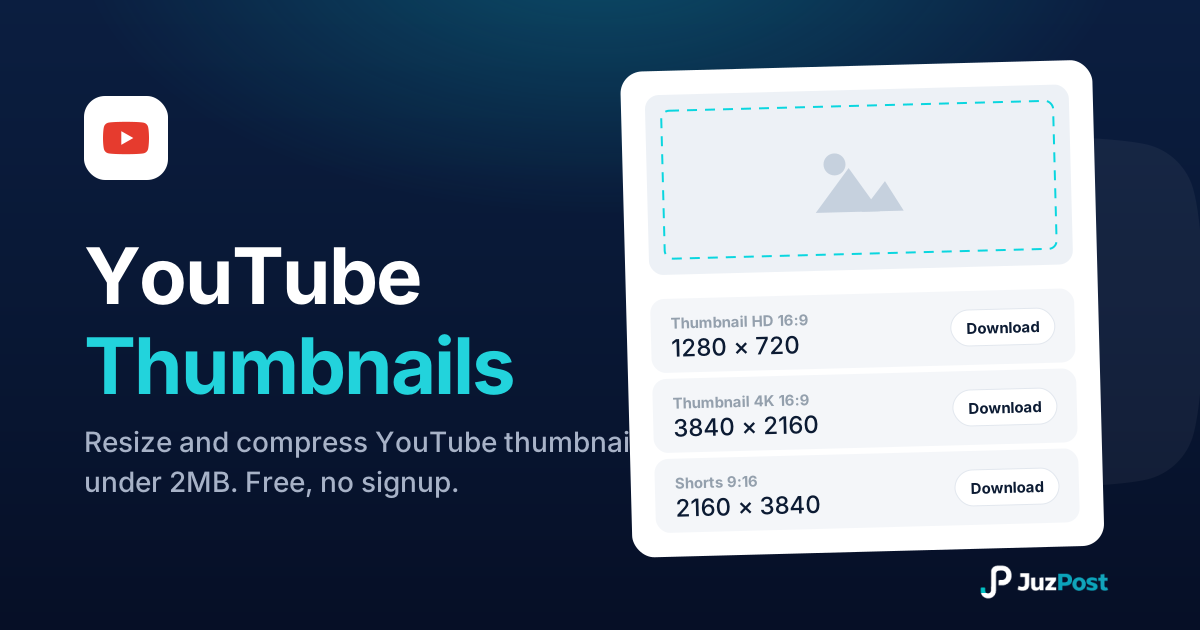
Resize any image to 1280×720 or full 4K 3840×2160, auto-compress it under the 2MB limit, and download it ready to upload. Free, in your browser, no signup.