
YouTube Media Checker
Drop a video in and see whether it will publish to YouTube. Reads the real file type, format, size, dimensions and length in your browser. Nothing is uploaded.

How to use the YouTube Media Checker
Drop in your video file
Drag a video onto the card, or click to pick one from your device. The file is read locally by your browser and is never sent to a server.
Let the checker read the real file type
The first bytes of the file are inspected to identify the actual container, not the extension in its name. A file called clip.mp4 that is really a QuickTime MOV is named as such.
Read the verdict line by line
Format, real file type, file size, dimensions and duration each get a pass or a fail against the limits JuzPost publishes to: mp4, mov, webm, mpeg or mpg, under 500 MB, at least 1 second long.
Re-export and check the new file
If something fails, change the one export setting the checker names, then drop the new file in. Nothing here converts or compresses your video, so the fix happens in your editor where you keep control of the quality.
What this checker reads, and what it never does
This page checks a video file and reports on it. It does not convert the file, compress it, re-encode it or upload it anywhere. The video is read by your own browser, which is the point: people testing a cut they have not published yet should not have to hand it to a stranger just to learn whether it will upload.
Five things get checked. The real file type is read from the first bytes of the file rather than trusted from the name, so a mislabelled export is caught before you waste an hour on it. Then the format is matched against the list JuzPost publishes to, which is mp4, mov, webm, mpeg and mpg. Then the file size against the 500 MB ceiling, the pixel dimensions, and the duration against the 1 second minimum.
YouTube is a video destination in this app and nothing else, so there is no image rule to check and no photo tab on this page. If you came here to size a thumbnail or channel art, the YouTube Thumbnail Resizer is the tool that does image work; this one only ever judges a video file.
Why an MP4 can still be refused
The single most repeated complaint about YouTube uploads is that the file is an MP4 and the uploader still refuses it. The usual cause is that .mp4 is a container, and what sits inside the container is a separate question. An export preset can write an unusual codec into an MP4 wrapper, and a name ending in .mp4 tells you nothing about that.
The other common cause is that the name is simply wrong. Editors and phone transfers rename files freely, so a QuickTime MOV, a Matroska file or a partial export can all arrive carrying an .mp4 extension. Reading the first bytes of the file settles it in a fraction of a second, which is why this checker reports the real type next to the name you gave it.
A truncated export causes the same symptom from a different direction. If your editor wrote only the in and out range, or the write was cut short, the file can end up shorter than you expect or under the 1 second minimum, and the duration row will say so before an upload does.
Two ceilings, and only one of them is YouTube
The 500 MB limit this checker enforces is JuzPost’s own ceiling for video it streams through the scheduler. It is not a YouTube rule, and saying otherwise would be wrong: YouTube itself accepts files far larger than that when you upload to it directly through the YouTube website. Any spec page that prints 500 MB as a YouTube maximum has invented it.
The same split applies to formats. YouTube accepts a much wider list of extensions than mp4, mov, webm, mpeg and mpg, so a file can be perfectly uploadable by hand and still fail this checker because JuzPost will not stream it. When that happens the fix is the same either way, which is to re-export as an MP4 and check the new file.
Being explicit about which limit is whose is more useful than a single tidy number. If your file passes here, it fits the route JuzPost publishes through. If it fails on size or format alone, you now know the file is fine for a manual YouTube upload and only the scheduled route needs a smaller or re-wrapped version.
Frequently asked questions
What video format is best for YouTube?
MP4 is the safest choice, and it is the format to reach for if anything else has failed. It is the most widely produced container, every editor exports it, and it sits inside the formats JuzPost streams to YouTube: mp4, mov, webm, mpeg and mpg. If your file is in something outside that list, re-export it as MP4 and check the new file here before you schedule it.
Why does YouTube say my file type is not supported when it is an MP4?
Usually because the file is not really an MP4, or because .mp4 is only the wrapper and what is inside it is unusual. Extensions are just text in a filename and get changed by editors, phones and transfers all the time. This checker reads the first bytes of the file to name the real container, so if your clip.mp4 is actually a QuickTime MOV or something else, you find out here rather than at the end of an upload.
What is the maximum file size for a YouTube video?
Far more than the 500 MB this checker enforces. That 500 MB figure is JuzPost’s own ceiling for video streamed through the scheduler, not a YouTube rule, and it is the number the size row is checked against on this page. A file over 500 MB can still be uploaded to YouTube by hand; it just cannot go out through a scheduled post without being re-exported smaller.
How long can a YouTube video be?
Long enough that duration is rarely what stops you, so this checker only enforces a minimum: the file has to be at least 1 second long. Very short clips are the real failure case, and they usually mean a truncated export where the editor wrote only part of the timeline. The duration row reports the length it measured so you can spot a file that came out shorter than you intended.
What counts as a YouTube Short?
A vertical or square video that runs short. The checker reports the dimensions and the duration it measured from your file, which are the two facts that decide it, so you can see the shape of the video before you publish rather than after. This tool reports those numbers and does not change them; if the shape is wrong for the placement you want, that is an export setting in your editor.
Can I upload an MP3 or an audio file to YouTube?
No. YouTube is a video destination, and JuzPost only streams video files to it: mp4, mov, webm, mpeg and mpg. An MP3 or WAV has no picture track, so there is nothing to publish. If you want to post audio, render it against a still image or a waveform in a video editor first, export the result as an MP4, and check that file here.
Does this checker upload my video anywhere?
No. The file is read entirely inside your browser and is never sent to a server, stored, or shared. There is no account and no upload step, which is also why the result appears immediately on a large file: nothing has to travel over your connection before you get an answer.
More free tools
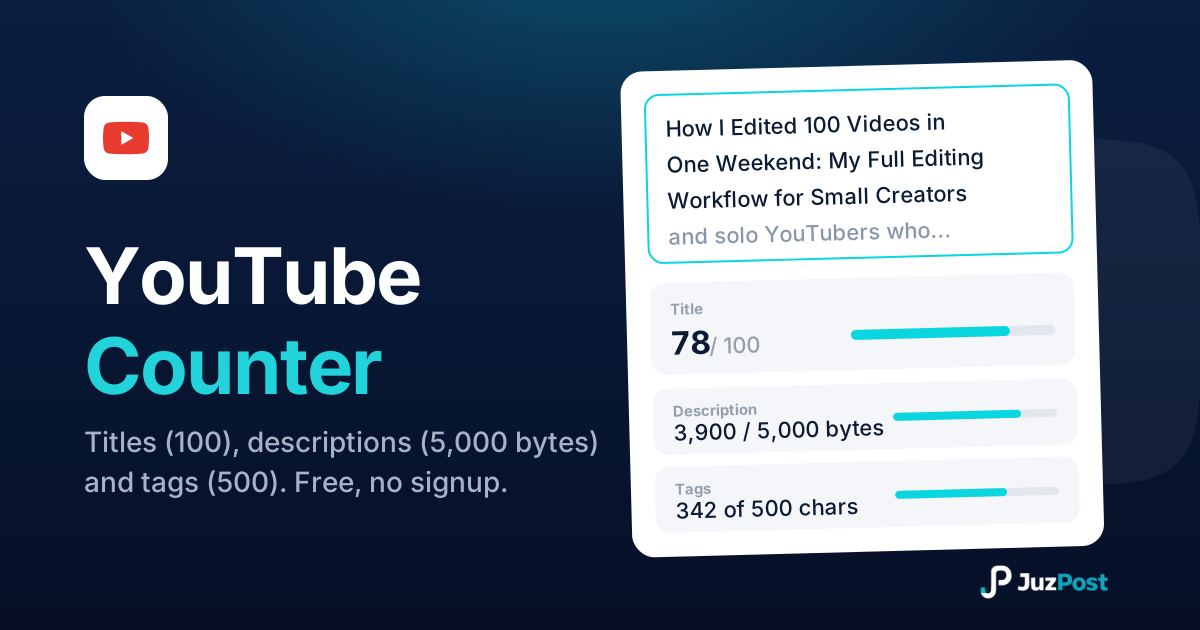
Live counts for YouTube titles (100 characters), descriptions (5,000 bytes) and tags (500), measured the way YouTube actually measures them.
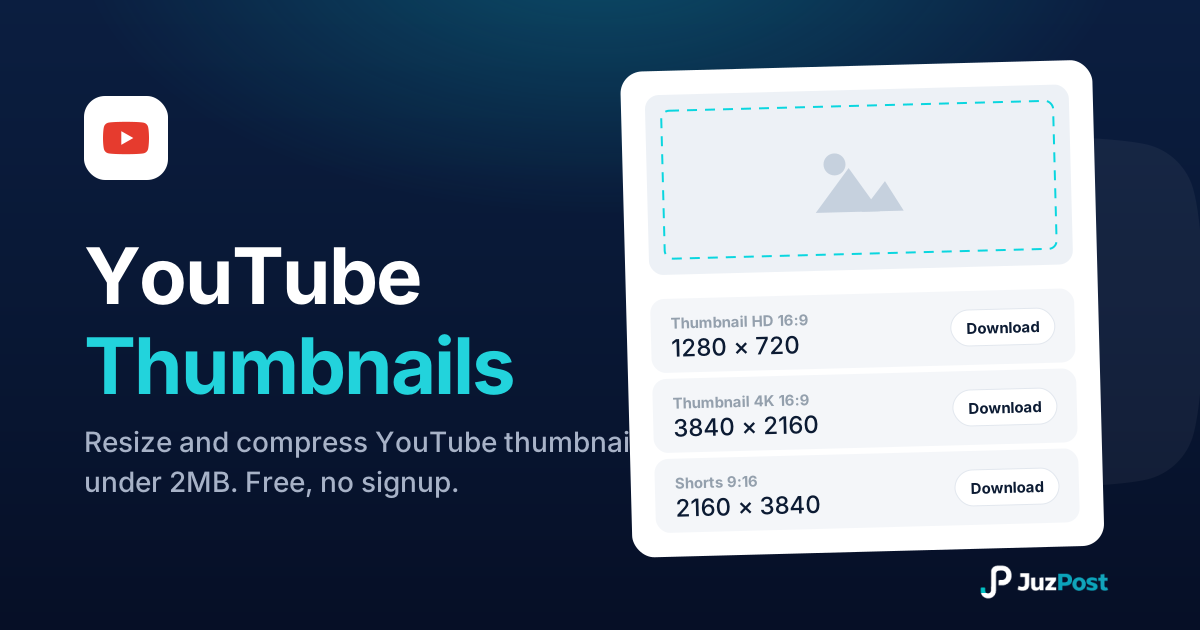
Resize any image to 1280×720 or full 4K 3840×2160, auto-compress it under the 2MB limit, and download it ready to upload. Free, in your browser, no signup.

Paste any YouTube link (watch, youtu.be, Shorts or live) and get a correct citation in APA 7, MLA 9, Chicago 18 or Harvard, with the in-text form included.