
YouTube Character Counter
Live counts for YouTube titles (100 characters), descriptions (5,000 bytes) and tags (500), measured the way YouTube actually measures them.

How to use the YouTube Character Counter
Pick the field you’re writing
The counter has a box for each field YouTube limits differently: video title (100 characters), description (5,000 bytes) and tags (500 characters). Each box carries its own live meter and its own counting rule.
Type or paste your draft
Counts update on every keystroke. The description box counts UTF-8 bytes, the unit YouTube’s API actually enforces, so emoji and non-Latin text are measured exactly the way YouTube measures them, not optimistically.
Watch the meter near the limit
Each meter changes state past 90% of the cap and flags overflow, so you see the problem before YouTube does. For tags, paste the whole comma-separated list: the commas between tags count toward the 500.
Trim, then paste into YouTube Studio
Cut until every field sits under its cap, then move the text into YouTube Studio or your scheduler knowing the save won’t bounce. For titles, keep the words that matter inside the first 60 or so characters. That’s all most surfaces display.
YouTube character limits at a glance (2026)
The numbers that are officially documented, checked against the YouTube Data API v3 reference and YouTube Help on 7 August 2026: video titles cap at 100 characters of valid UTF-8, video descriptions at 5,000 (bytes, more on that below), tags at 500 characters across all tags combined, channel descriptions at 1,000 characters, and channel keywords at 500 characters total, not per keyword. The characters < and > are rejected outright in titles and descriptions.
Some widely repeated numbers have no official documentation, and this page labels them that way instead of laundering them into facts. Comments are widely reported to cap at 10,000 characters. Roughly 150 characters of a description show before the “Show more” fold, but YouTube Help only says “first few lines”, and reported figures range from 100 to 200. Shorts have no separate limits: a Short is a regular video in the API, so its title caps at 100 and its description at 5,000.
A few numbers circulating on other pages don’t survive checking at all. Playlist title and description limits are quoted as 100 or 150 and 1,000 or 5,000 depending on who you read, community post limits as 280 or about 500, and channel names as 100. None of these appear in the API reference or an official Help page, so this tool doesn’t state them as fact.
The description limit is really 5,000 bytes
YouTube Help says descriptions allow “a maximum of 5000 characters”. The Data API reference (the layer that actually accepts or rejects an upload) specifies 5,000 bytes. For plain ASCII text the two are identical, one byte per character, which is why the discrepancy stays invisible until it suddenly isn’t.
In UTF-8, a standard emoji costs 4 bytes and most CJK characters cost 3. A description leaning on either hits the byte cap long before 5,000 characters: text written entirely in Japanese, Chinese or Korean tops out around 1,660 characters, and heavy emoji use compounds faster still. This is the usual answer to “why won’t YouTube save my description when it’s under 5,000 characters”. It bites hardest on long credit blocks and attribution lists, where a few special characters quietly inflate the byte count.
This counter measures the description in UTF-8 bytes, the same unit YouTube enforces, so the number you see is the number that decides whether the save goes through. Character-only counters read low on any text that isn’t pure ASCII.
Titles: the cap is 100, the display budget is smaller
The hard limit is 100 characters, and a title containing < or > is rejected. But the cap is not the budget that matters for clicks: by widely reported device tests, desktop search shows roughly 60–70 characters before cutting off, mobile around 48–55, and notifications as few as 40–50. None of those figures are official and they vary by device, but the direction is consistent: put the words that sell the video in the first 60 characters, because the rest may never render.
How YouTube weighs complex emoji in titles (skin-tone modifiers, joined sequences) is not officially documented, and third-party claims about it conflict. If your title leans on emoji, leave headroom rather than filling to exactly 100.
One more reason to count here rather than eyeball it: AI writing assistants are notoriously bad at counting characters, and asking one to verify its own title length is a known way to publish a truncated headline. This counter is deterministic. Paste the draft and the number is simply correct.
Tags, hashtags and the 15-hashtag myth
Tags have no per-tag count limit. The constraint is 500 characters across all tags combined, and the API’s accounting is stricter than it looks. The commas between tags count toward the 500, and a tag containing a space is treated as if wrapped in quotes, with both quote characters counted. A raw character count of your tag list understates what YouTube will charge you for it.
The hashtag rule changed, and much of what ranks for it is stale: older guides still say hashtags stop working after 15, but YouTube Help now sets the threshold at 60. Cross 60 hashtags on a video or playlist and every hashtag on it is ignored; egregious over-tagging can get the video removed from uploads or search entirely. At most 3 hashtags display above the title, and a hashtag cannot contain spaces.
The channel-level fields have their own caps: channel descriptions allow 1,000 characters, and channel keywords share a single 500-character pool. The limit is the total, not each keyword, and anything past it is truncated. Handles run 3–30 characters made of letters, numbers and the separators underscore, hyphen, period and middle dot (not at the start or end), with shorter script-specific ranges: 1–10 characters for Han and Hangul, 2–20 for Hiragana, Katakana and Ethiopic.
Frequently asked questions
What is the YouTube title character limit?
100 characters, per the YouTube Data API, and the text must be valid UTF-8 with no < or > characters. The practical budget is smaller: only about 60–70 characters typically display in desktop search results before the title is cut off, and fewer on mobile, so front-load the words that matter.
How many characters of a YouTube title actually show in search results?
Roughly 60–70 on desktop search, about 48–55 on mobile, and as few as 40–50 in notifications, per widely reported device tests. YouTube publishes no official display figures and the exact cutoff varies by device, but every surface shows less than the 100-character cap. Write for the first 60.
Why was my description rejected before 5,000 characters?
Because the enforced limit is 5,000 bytes, not characters. YouTube Help says 5,000 characters, but the Data API that actually processes the save measures UTF-8 bytes: ASCII text costs 1 byte per character, emoji cost 4 and CJK characters 3, so emoji-heavy or non-Latin descriptions hit the wall early. This counter measures your description in bytes so you see the real number.
Do emojis count as more than one character on YouTube?
In descriptions, effectively yes: the enforced limit is 5,000 UTF-8 bytes and a standard emoji costs 4 of them, four times the price of a letter. In titles the cap is 100 characters, and YouTube doesn’t officially document how it weighs complex emoji like skin-tone or joined sequences. Leave headroom if your title depends on them.
How many tags can a YouTube video have?
There’s no cap on the number of tags. The limit is 500 characters across all tags combined. Per the Data API, the commas between tags count toward the 500, and a tag containing a space is treated as quoted, with the two quote characters counted too. Paste your full comma-separated list into the tags box here to count it the way YouTube does.
How many hashtags can I use before YouTube ignores all of them?
60. If a video or playlist carries more than 60 hashtags, YouTube ignores every hashtag on it, and over-tagging can get the video removed from uploads or search. Only up to 3 hashtags display above the title, and hashtags cannot contain spaces. Older articles still quote 15 as the threshold, but that rule is out of date; YouTube Help says 60 as of 2026.
Which characters are not allowed in YouTube titles and descriptions?
The angle brackets < and > are rejected in both titles and descriptions: the Data API requires the text to be valid UTF-8 without them. Everything else in Unicode is allowed, including emoji and non-Latin scripts, though those cost extra bytes against the description’s 5,000-byte limit.
More free tools
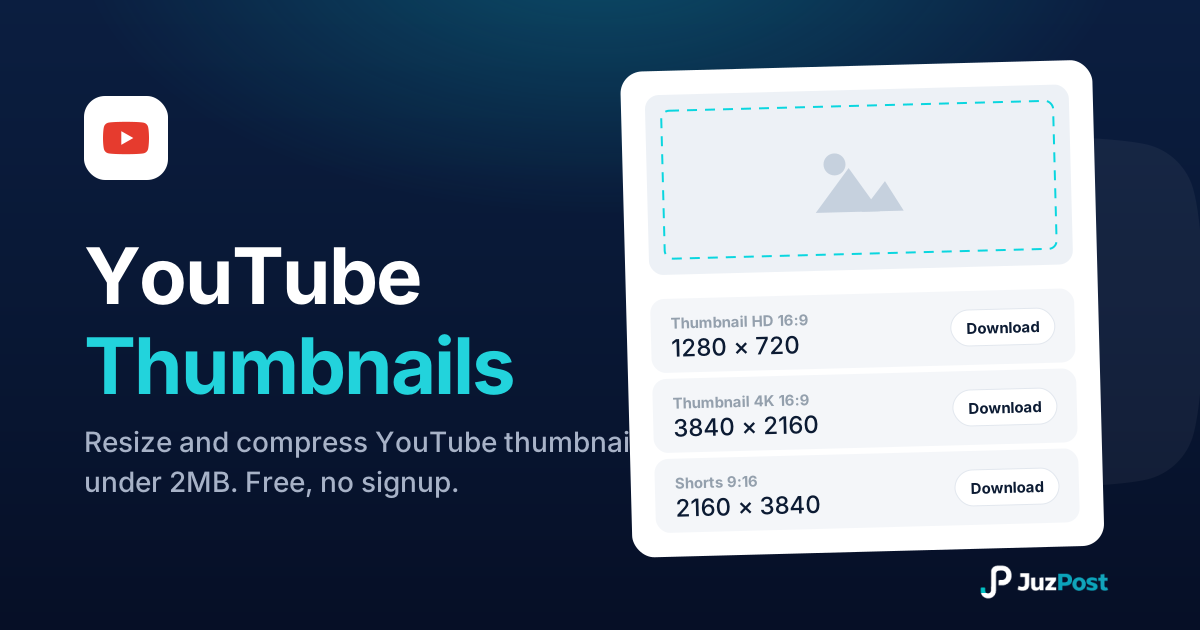
Resize any image to 1280×720 or full 4K 3840×2160, auto-compress it under the 2MB limit, and download it ready to upload. Free, in your browser, no signup.
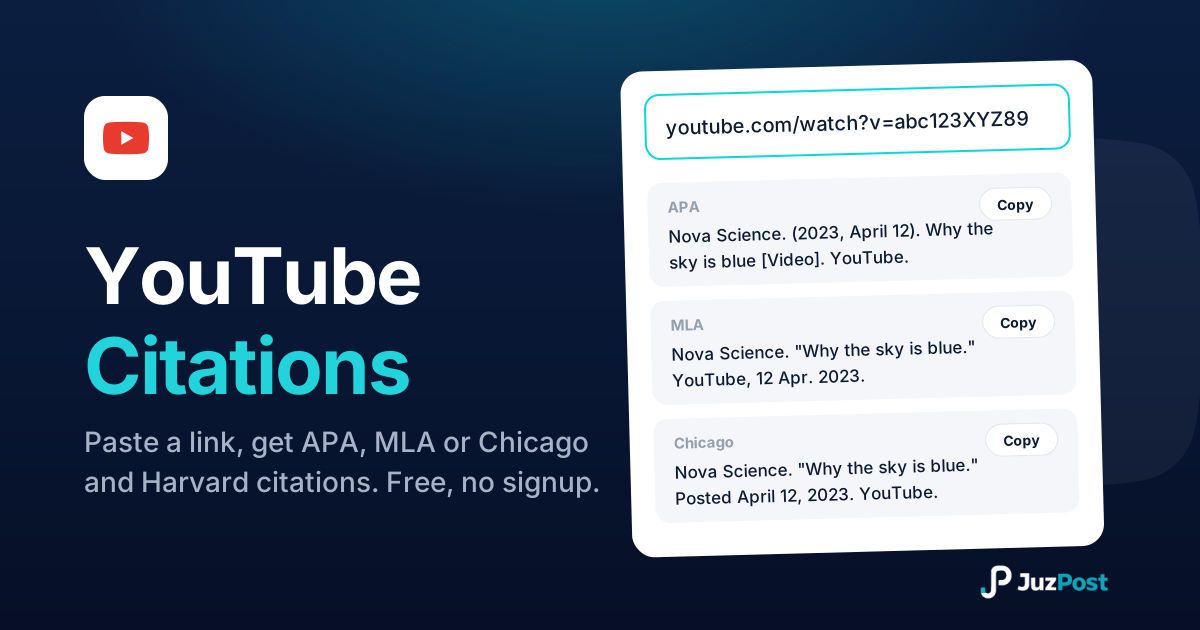
Paste any YouTube link (watch, youtu.be, Shorts or live) and get a correct citation in APA 7, MLA 9, Chicago 18 or Harvard, with the in-text form included.
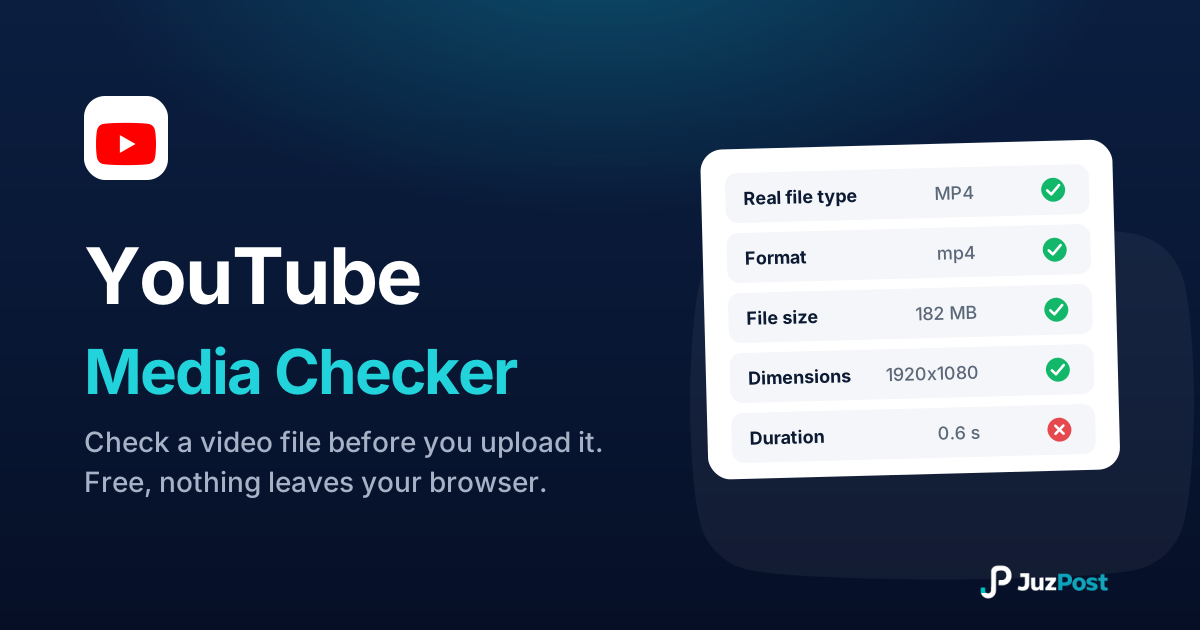
Drop a video in and see whether it will publish to YouTube. Reads the real file type, format, size, dimensions and length in your browser. Nothing is uploaded.