
Pinterest Character Counter
Live counts for pin titles (100), descriptions (500), bios (500) and boards, checked against Pinterest’s 2026 limits, including what’s visible before truncation.

How to use the Pinterest Character Counter
Pick the field you’re writing
Choose the Pinterest field your text is for: pin title, pin description, bio, board name, board description or alt text. Each one is checked against its own limit, not one generic number.
Type or paste your text
The count updates live as you write. Emojis count as one character each, the same way Pinterest’s own input counts them, so the number you see here is the number Pinterest sees.
Watch the max and the visible cutoff
The hard limit is not the whole story: only about 40 characters of a 100-character title show in the feed, and roughly the first 150 of a board description are visible while browsing. Put your keywords before the cutoff.
Copy the final text into Pinterest
Once you’re inside the limit, copy your text and paste it into Pinterest. Line breaks are counted here as characters, exactly as typed, so nothing shifts on paste.
Pinterest character limits at a glance (2026)
Pin titles cap at 100 characters. Organic pin descriptions cap at 500 characters, and ad descriptions at 800. The profile bio (the “About” field) allows up to 500 characters. Board names cap at 50, board descriptions at 500, and usernames run 3 to 30 characters. Alt text on a pin allows up to 500 characters, and a pin’s destination link URL can be up to 2,048 characters long.
The title, description and bio numbers come straight from Pinterest’s official help documentation (the product specs page and the edit-your-profile page) and were last verified in August 2026. Board name and board description limits are not published in the official help; the numbers above reflect the unanimous figures reported across independent guides.
One number worth calling out: the bio limit is 500 characters, not 160. Pinterest raised it from 160 in 2022, and its help docs now say “up to 500 characters”, yet many counter tools still show the old figure. Only the first 140 to 160 characters of a bio display on your profile before the “more” link, which is likely why the stale number persists: 160 is roughly the visible portion, not the limit.
On alt text, the 500-character cap is not a target. Screen readers commonly read around 125 characters of alt text, so a concise, literal description of the image serves visually impaired users far better than a keyword dump that runs to the cap.
Max characters vs visible characters
Every Pinterest field has two numbers that matter: the hard limit Pinterest enforces, and the smaller slice it actually displays. A pin title accepts 100 characters, but the feed shows only about 40 of them. For double-byte languages such as Japanese or Korean, roughly the first 30 show, per Pinterest’s own specs. A board name accepts 50 characters but shows around 30 to 35 while browsing. A board description accepts 500 but displays roughly the first 150.
Pin descriptions are the extreme case: Pinterest’s product specs state that descriptions do not appear in the home feed or search feed at all. They surface when someone opens the pin closeup, and they are indexed for Pinterest search. So if your description “isn’t showing”, nothing is broken; that is how the feed works. Front-load your keywords anyway: search reads all 500 characters, and the closeup view rewards a strong opening line.
This is also the honest answer to “why is my title cut off in the feed”: you did not hit an error, you crossed the visible threshold. Write to the visible number first and treat the remainder as supporting detail. And if Pinterest seems to be cutting off the pin itself rather than the text, that is image aspect-ratio cropping, a separate issue from any character limit.
Organic pins vs Pinterest ads: the 500 vs 800 split
If you have ever found a pin whose description is clearly longer than anything Pinterest lets you type, you were almost certainly looking at an ad. Organic pin descriptions cap at 500 characters, but Pinterest’s ad specs allow promoted-pin descriptions up to 800. The composer you use as a regular pinner enforces 500; ads created through the ads tooling get the longer field.
Comments are a different story: Pinterest publishes no character limit for them, and long comments can simply fail to post with no error shown. If a comment refuses to send, length is the first suspect. Count it, trim it, and try again in shorter form.
How this counter counts (emojis, hashtags, line breaks)
This counter counts graphemes (what you would naturally call “one character”) rather than raw bytes or code points. An emoji is internally several code points, but Pinterest’s input treats it as a single character, and so does this tool. Non-Latin scripts are counted the same way, though remember that double-byte languages get a shorter visible window in the feed: about 30 title characters instead of 40.
Hashtags are not free: they count inside the 500-character description limit, hash symbol and all. The commonly cited ceiling is 20 hashtags per description, a figure Pinterest does not publish officially. In practice, a handful of specific hashtags beats a wall of twenty generic ones.
Line breaks each count as one character, and this counter includes them, so a description with paragraph spacing measures here exactly as Pinterest measures it. Note that Pinterest sometimes collapses blank lines when a description is saved or displayed, so multi-paragraph formatting may not survive intact even when the character count is fine.
Everything runs in your browser: no signup, no account, and your draft is never sent anywhere. The limits on this page were last verified against Pinterest’s help documentation in August 2026.
Frequently asked questions
What is the character limit for a Pinterest pin description?
500 characters for an organic pin, per Pinterest’s product specs. Descriptions do not display in the home feed or search feed. They appear on the pin closeup and are indexed for Pinterest search, so front-load your keywords in the first sentence. Pinterest ads get a longer field: promoted-pin descriptions can run to 800 characters.
Is the Pinterest bio limit 160 or 500 characters?
500. Pinterest’s help documentation says the “About” field accepts up to 500 characters; 160 was the limit before Pinterest raised it in 2022, and many counter tools still repeat the old number. Only the first 140 to 160 characters show on your profile before the “more” link, so put the essentials up front.
Why does my Pinterest description not show up under my pin?
Because descriptions never display in the home feed or search feed; Pinterest’s own specs say so. Your description is not broken or deleted: it powers Pinterest search and appears when someone opens the pin closeup. Write it for search first, with your strongest keywords in the opening line.
How many characters of a Pinterest title are visible in the feed?
About 40, even though the limit is 100. Pinterest’s specs note that for double-byte languages such as Japanese or Korean, only roughly the first 30 characters show. The rest of the title still exists and is searchable, but the feed truncates it, so lead with the words that earn the click.
Do emojis and hashtags count toward Pinterest’s character limits?
Yes, both. An emoji counts as one character, the same way Pinterest’s own input counts it, and this tool matches that. Hashtags count inside the 500-character description limit, hash symbol included; the commonly cited maximum is 20 per description, though Pinterest does not publish that number officially.
How long should a Pinterest description be for SEO?
Use a meaningful share of the 500 characters, not a one-liner. The description feeds Pinterest search even though it never shows in the feed. One large study of pin performance put the sweet spot around 220 to 232 characters. Write natural sentences with your keywords early rather than stuffing a comma-separated list.
Why is my Pinterest comment not posting?
Length is the most likely cause. Pinterest enforces an undocumented limit on comments, and an over-long comment can silently fail: no error, it just never sends. Count your comment here, cut it down, and post the shorter version; if it still fails, split it into two comments.
More free tools
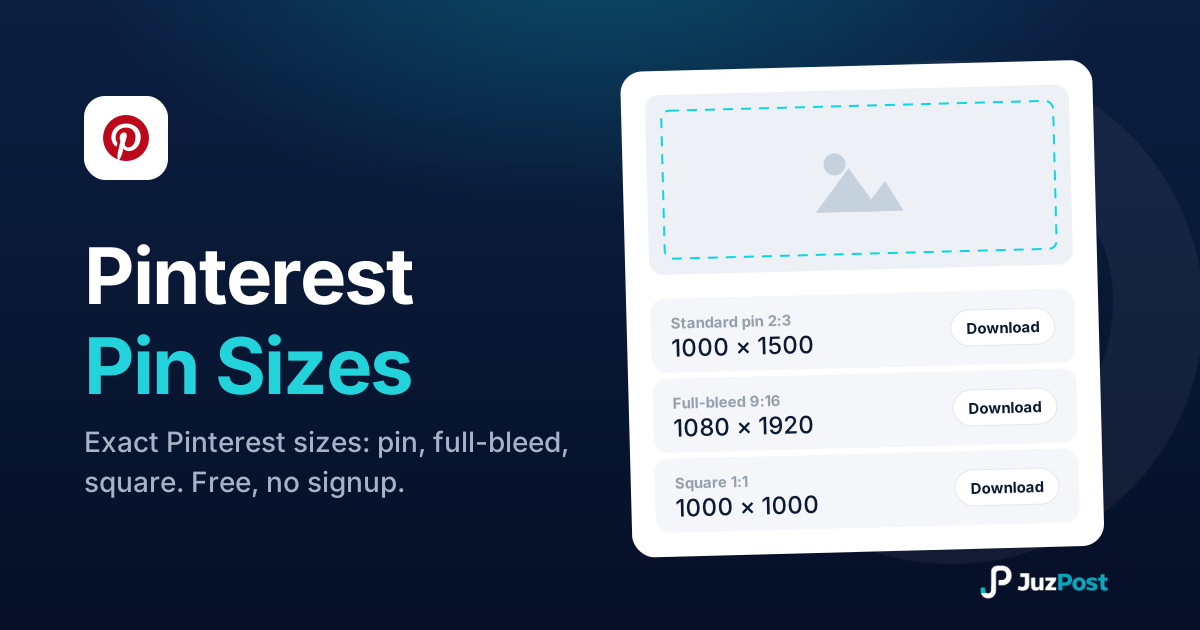
Resize any image to 1000×1500 (2:3), 1080×1920 full-bleed, square, long pin, board cover or profile. Free, in your browser, no signup.
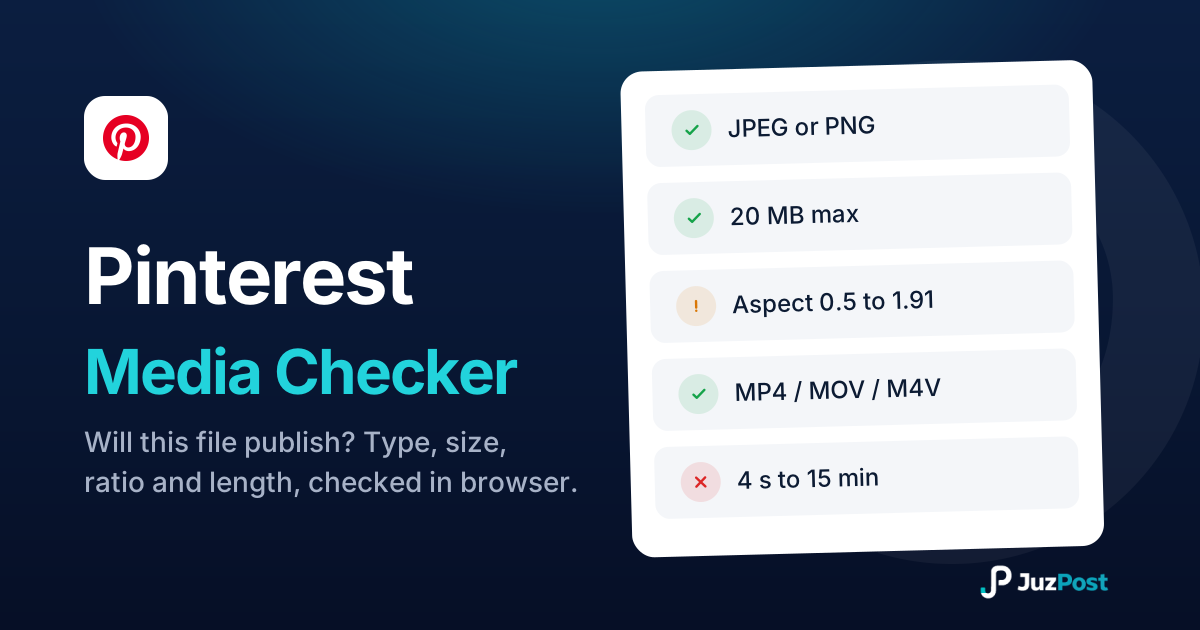
Drop a photo or video and see whether it will publish to Pinterest. Real file type, size, ratio and video length, checked in your browser. Nothing is uploaded.
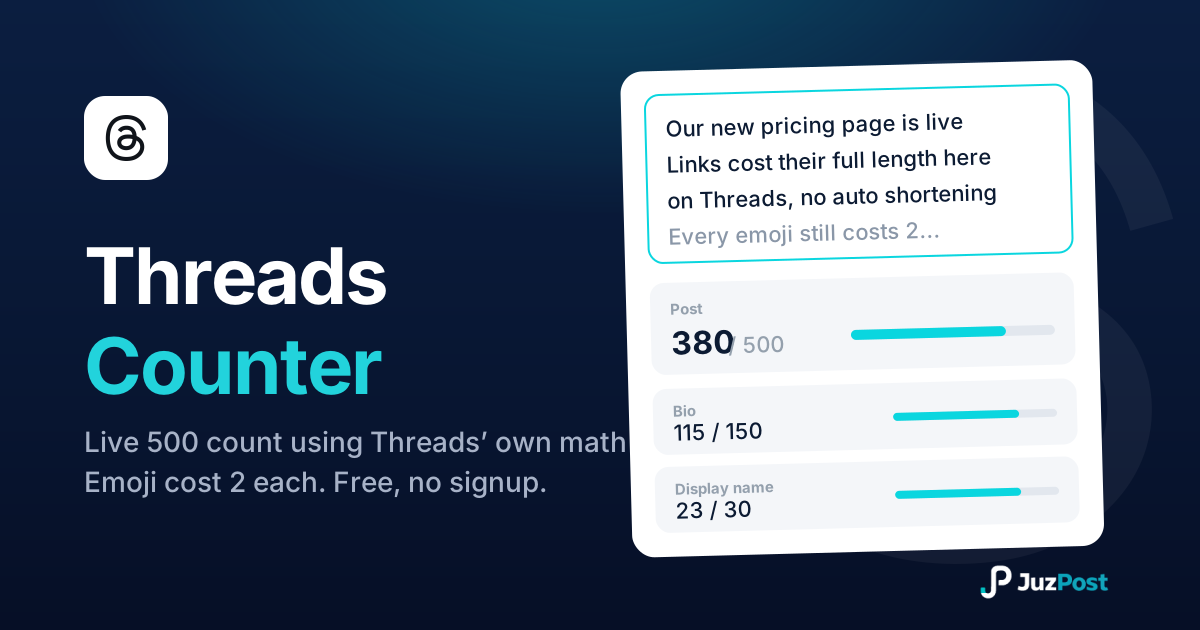
Live counts for the 500-character post, 150-character bio and 30-character display name, measured the way Threads measures, emoji and links included.