
Pinterest Media Checker
Drop a photo or video and see whether it will publish to Pinterest. Real file type, size, ratio and video length, checked in your browser. Nothing is uploaded.

How to use the Pinterest Media Checker
Drop in your photo or video
Drag the file onto the box, or click to pick it from your device. It is read locally in your browser and never sent to a server.
Read the checklist
Every Pinterest rule shows a pass, a warning or a fail, next to the number it was measured against: real file type, format, byte size, pixel dimensions, aspect ratio and, for video, duration.
Fix an image in place
For photos you can convert to JPEG, compress under the 20 MB ceiling, crop to a ratio Pinterest accepts, or resize. Each fix runs on your device and keeps the original filename on the download.
Download and post
Save the fixed image and upload it to Pinterest. Video is checked and reported only, never converted, so if a video check fails, re-export it from your editor and run it through again.
What Pinterest accepts, in numbers
For Pin images this checker holds you to JPEG, PNG, WEBP and GIF, a maximum of 20 MB, and an aspect ratio between 0.5 and 1.91, which is 1:2 tall through 1.91:1 wide. Anything outside that band is reported as a fail rather than a suggestion, because those are the same numbers a publishing API applies.
For video Pins the accepted containers are MP4, MOV and M4V, the file size ceiling is 2 GB, and the clip has to run at least 4 seconds and at most 900 seconds, which is 15 minutes. Video aspect ratio uses the same 0.5 to 1.91 band as images. A carousel takes 2 to 5 images and will not mix photos and video in one Pin.
One documented conflict is worth knowing about before you export. Pinterest’s own Review Pin specs help page prints a 5 minute video maximum, while its ad specs and API media guidelines print 15 minutes. This tool checks against 900 seconds, so a clip between 5 and 15 minutes passes here but still carries a real rejection risk on some upload paths. If a long video keeps failing, cutting it under 5 minutes is the cheapest test.
The file type is not the file extension
Renaming a photo to .jpg does not make it a JPEG. Pinterest reads the actual bytes, so a HEIC straight off an iPhone or a WEBP saved from a browser will be rejected with a format message even though the name looks correct. This is the single most common cause of the unhelpful "file format is not supported" error.
This checker reads the first few bytes of your file, the magic-byte signature, and reports the real container rather than trusting the name. If the detected type and the extension disagree, you see both, which turns a mystery rejection into a one-line diagnosis you can act on.
Why video Pins fail and what to do about it
Video is where uploads stall, and the error text is usually a processing timeout with no spec attached. In practice the cause is one of four things: the clip runs under 4 seconds or over 900 seconds, the file is over 2 GB, the container is not MP4, MOV or M4V, or the frame is taller or wider than the 0.5 to 1.91 ratio band allows.
Container is a trap of its own. Pinterest’s help page says the web uploader takes MP4 and M4V while mobile also takes MOV, so a MOV that publishes from your phone can fail from your desktop browser with no useful message. If you have any doubt, export MP4. This tool reports what it measures and stops there: it does not re-encode video, because doing that honestly needs your editor, not a browser tab.
Pinterest’s own uploader is looser than its API
Pinning by hand on pinterest.com accepts more image formats than publishing through an API does. The help page lists BMP, TIFF and WEBP among accepted types, yet a file in one of those formats routinely fails when a scheduler pushes it. This checker uses the stricter JPEG and PNG rule on purpose, because passing here means the file works on both routes.
The same gap explains cropping complaints. A ratio near 2:3 is the sweet spot, and a Pin taller than roughly 1:2.1 gets cut off in the feed, which is why the call to action at the bottom of a tall infographic disappears. That is flagged here as a warning rather than a fail, since the Pin will publish, it just will not be seen in full. Everything runs on your device, so unpublished client work never leaves your browser.
Frequently asked questions
What video formats does Pinterest accept?
MP4, MOV and M4V. This checker treats those three containers as the accepted set and fails anything else, including WEBM, AVI and MKV. Note that Pinterest documents its web uploader as taking only MP4 and M4V, with MOV accepted on mobile, so MP4 is the safest export if you publish from a desktop browser or through a scheduler.
How long can a Pinterest video be?
This tool checks video against a minimum of 4 seconds and a maximum of 900 seconds, which is 15 minutes. Be aware of a genuine conflict in the documentation: Pinterest’s Review Pin specs help page states a 5 minute maximum, while its ad specs and API media guidelines state 15 minutes. Clips over 5 minutes pass here but can still be rejected on some upload paths, so keep them shorter if a long video keeps failing.
What is the maximum file size for a Pinterest Pin?
20 MB for an image and 2 GB for a video. Those are the ceilings this checker measures against, and the image number is the strict one: some guides quote 32 MB for in-app uploads, but 20 MB is the figure that holds when a scheduler publishes for you. If an image is over the line, the compress fix here brings it under without leaving your browser.
Does Pinterest accept WEBP or HEIC images?
Treat both as unsupported. This checker accepts JPEG and PNG only. Pinterest’s help page does list WEBP among the formats its own uploader takes, but API publishing is narrower and HEIC is not on any accepted list, which is why iPhone photos so often fail. Convert to JPEG, which this tool can do in place, and the file works on every upload route.
Why does Pinterest say my file format is not supported when the extension looks right?
Because the extension is only a name, and Pinterest reads the actual bytes. A photo saved as HEIC or WEBP and renamed to .jpg is still HEIC or WEBP inside, so it gets rejected on format. This checker reads the magic-byte signature at the start of the file and reports the real type alongside the extension, so you can see the mismatch and convert to JPEG.
Why does Pinterest crop the bottom off my pin?
Because the image is too tall for the feed. Pins around a 2:3 ratio show in full, and anything taller than roughly 1:2.1 gets cut off, which is what removes the call to action at the bottom of long infographics. This tool reports a very tall image as a warning rather than a fail, since it will publish, and the crop fix can bring it into the accepted 0.5 to 1.91 ratio band.
What is the best Pinterest pin size?
A tall portrait shape in the region of a 2:3 ratio performs best and shows in the feed without cropping. What this checker enforces is the boundary rather than the ideal: an aspect ratio between 0.5 and 1.91, a JPEG, PNG, WEBP or GIF file, and under 20 MB. Stay inside that and the Pin publishes; aim near 2:3 and it also displays in full.
Does this checker upload my file anywhere?
No. The file is read and measured entirely in your browser, and the image fixes run on your device too. There is no server, no account and no network round trip, which is also why the result appears instantly on large video files. Unpublished client work stays on your machine.
More free tools
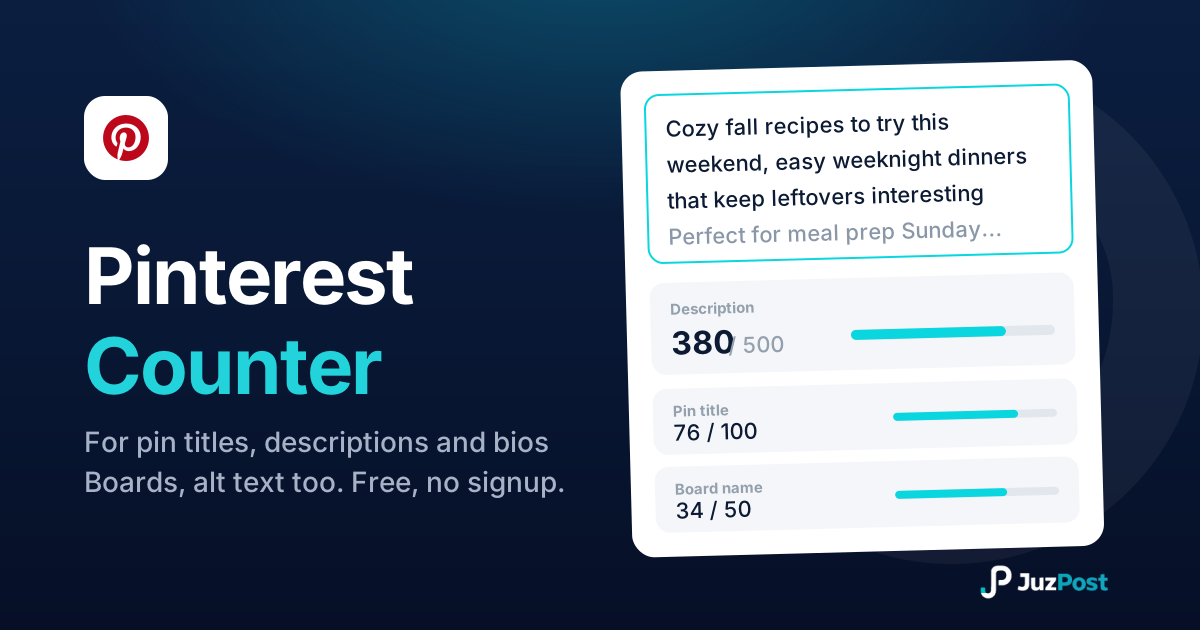
Live counts for pin titles (100), descriptions (800), bios (500) and boards, checked against Pinterest’s 2026 limits, including what’s visible before truncation.
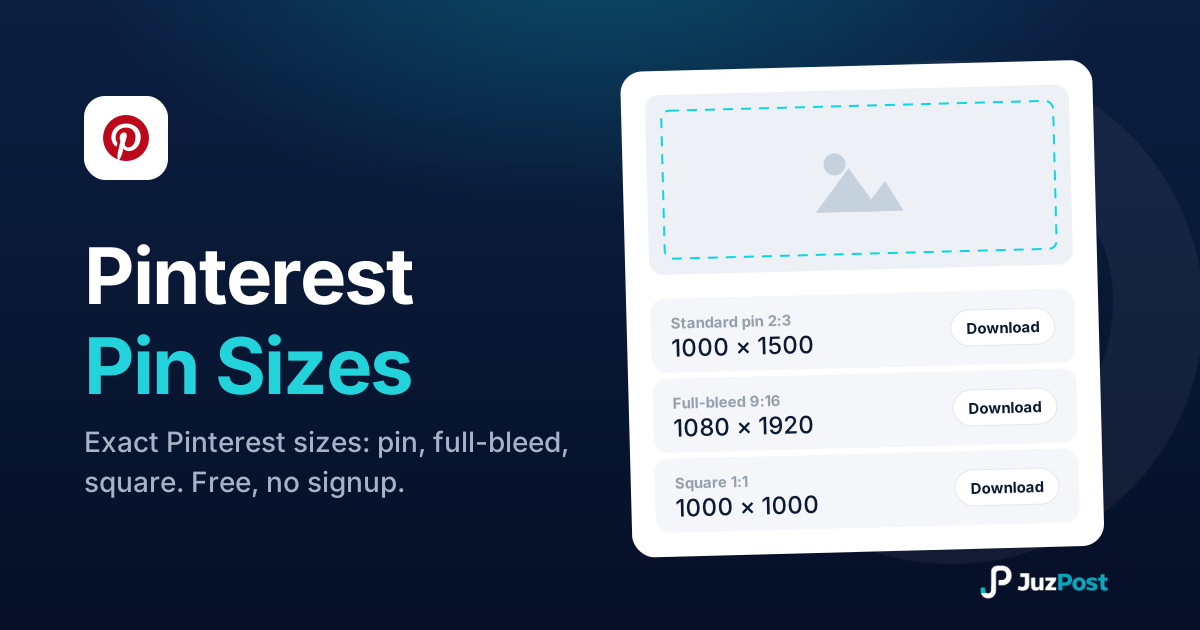
Resize any image to 1000×1500 (2:3), 1080×1920 full-bleed, square, long pin, board cover or profile. Free, in your browser, no signup.
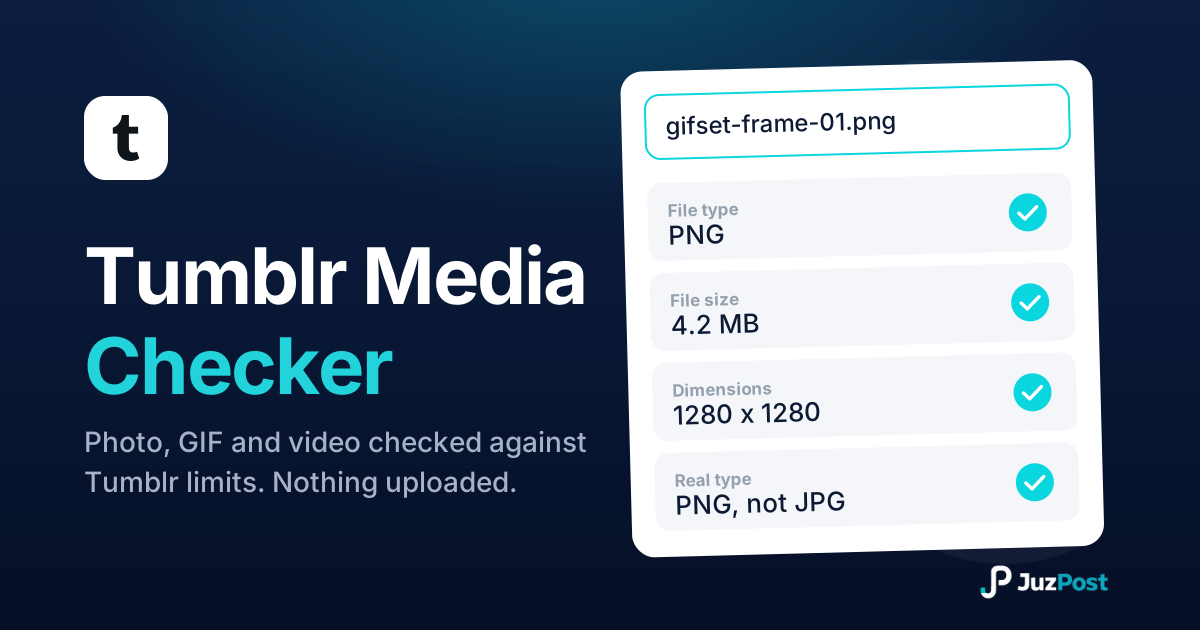
Drop in a photo, GIF or video and see whether it clears Tumblr’s limits: real file type, size, dimensions and length, checked in your browser.