
Bluesky Character Counter
Live check against Bluesky’s 300-character post limit, plus display name (64) and bio (256) counters and the real link, emoji and byte rules.

How to use the Bluesky Character Counter
Paste or type your post
Drop your draft into the Post field. The count updates live against the 300-character limit, and the meter turns amber past 90% and red the moment you go over.
Check your display name and bio too
The Display name (64) and Bio (256) fields sit right below the post counter, so you can verify a whole profile refresh in one visit.
Read the stat tiles
Characters, words and hashtags for your post are totalled beneath the fields. Hashtags count at full length on Bluesky, so the tile shows exactly what a tag block is costing you.
Trim, or split into a thread
Over 300? Cut filler first, then split at sentence boundaries into a numbered thread. Everything runs in your browser, and nothing you type is uploaded.
Bluesky character limits at a glance (verified August 2026)
A Bluesky post holds 300 characters, counted as grapheme clusters, with a parallel cap of 3,000 UTF-8 bytes. The post record enforces both. Replies and quote posts are the same record type, so they share the same 300-character limit. These figures come straight from the AT Protocol post lexicon, last checked August 2026.
On profiles: the display name allows 64 characters (640 bytes) and the bio 256 characters (2,560 bytes). Handles can run to 253 characters in total with 63 per dot-separated segment, but 244 is the recommended ceiling so the DNS verification prefix still fits. The handle spec is explicit about that.
Beyond the basics: image alt text allows 2,000 characters (a cap set in the official app itself), direct messages allow 1,000 characters (10,000 bytes) each, and a post can carry up to 8 additional tags of 64 characters apiece plus 3 language tags. You can attach 4 images per post; the app compresses each to a maximum of 2000px and roughly 1MB.
Two limits almost nobody mentions: the official app blocks posts longer than 25 lines, so a heavily line-broken post can be rejected well under 300 characters, and in-app drafts stop at 1,000 characters. The generous 2,000-character alt-text field is worth using. Descriptive alt text makes your images accessible to screen-reader users at no cost to your post count.
How Bluesky actually counts characters
The 300 limit is measured in grapheme clusters (what you perceive as one character), not in bytes or code points. That means any emoji counts as 1, including multi-codepoint sequences: the family emoji 👨👩👧👦 is one character to Bluesky even though it is built from several joined code points and weighs about 25 bytes.
Those bytes are the catch. The post record also enforces a 3,000-byte UTF-8 cap in parallel, so an emoji-heavy post can be rejected while the visible count still reads under 300. Roughly 300 complex emoji is enough to trip the byte limit first. A trustworthy check watches both numbers, which is why this page spells out the byte rule instead of pretending 300 is the whole story.
One debunk while we are at it: the Bluesky blog post announcing a new "299" character limit was dated April 1, 2025. It was an April Fools joke that still surfaces in search results. The real limit is 300, and it has not changed as of August 2026.
Do links count? The real math
Links count, but at their shortened length: not their full length, and not a flat rate. The official Bluesky app shortens every link before counting. It strips the https:// scheme and keeps the domain plus the path, and if the path runs past 15 characters it keeps the first 13 and appends "...". So https://example.com/very/long/path/to/page counts as example.com/very/long/pat..., which is 27 characters. A link’s cost is the domain length plus at most 16 characters of path, so it varies by domain.
This is the fact most counters get wrong, in one of two directions: charging every URL a flat 22 characters, or charging the full URL length. Both contradict the official app’s source code, which counts the shortened form against the 300 limit. Verified August 2026.
Hashtags and mentions have no such discount. A hashtag costs its full visible length (#photography is 12 characters), and a mention costs the length of the @handle you type. Only links get the shortening treatment.
The link rule also explains a common failure: third-party clients and schedulers that submit text over the raw API without shortening pay the full URL length, so a post that fits in the official app can be rejected elsewhere. If a post fails while showing under 300, an unshortened URL or the 3,000-byte cap is almost always the reason.
Over 300? How to split into a thread
There is no way to exceed 300 characters in a single post. The limit lives in the protocol, not the app, so every client is bound by it. A request to raise it to 500 sits as an open feature request with no committed change as of August 2026. Trimming and threading are the real options.
Trim first: cut throat-clearing openers, collapse duplicate phrases, and let the link shortening work for you by dropping tracking parameters you don’t need. Short posts are not a consolation prize either. One 2026 analysis of Bluesky engagement puts the sweet spot at 150 to 220 characters, well under the cap.
When the idea genuinely needs more room, split at sentence boundaries rather than mid-thought, number the parts (1/4, 2/4) so readers can follow, and keep each part under 300 characters and 25 lines. If you thread regularly, JuzPost’s composer lets you write, split and schedule Bluesky threads in one place. This counter is the free, no-signup slice of it.
Frequently asked questions
What is the Bluesky character limit in 2026?
A Bluesky post can hold 300 characters, counted as grapheme clusters, with a parallel cap of 3,000 UTF-8 bytes. Both are enforced by the AT Protocol post record, verified August 2026. Replies and quote posts use the same record type, so they share the same 300-character limit. A Bluesky blog post announcing a "299" limit was dated April 1, 2025: it was an April Fools joke.
Do links count toward Bluesky’s 300-character limit?
Yes, but at their shortened length. The official app strips the https:// scheme and keeps the domain plus up to 16 characters of path; longer paths are cut to the first 13 characters plus "...". So https://example.com/very/long/path/to/page counts as 27 characters, not the full URL. Counters that charge a flat 22 characters per URL, or the full URL length, both get this wrong.
Do emojis count as one character on Bluesky?
Yes. Bluesky counts grapheme clusters, so any emoji counts as exactly 1 character, including multi-codepoint sequences like the family emoji 👨👩👧👦. The catch is the parallel 3,000-byte cap: complex emoji run about 25 bytes each, so roughly 300 of them trips the byte limit even while the character count still reads under 300.
Do hashtags and mentions count as characters?
Yes, both count at their full visible length. Only links get shortened by the official app. A hashtag like #photography costs all 12 characters, and a mention costs the length of the @handle you type. Tagging several accounts in one post eats into your 300 quickly.
How do I post more than 300 characters on Bluesky?
You can’t in a single post. The 300-character limit is enforced at the protocol level, so no app or client can exceed it. The workaround is a thread: split at sentence boundaries and number the parts so readers can follow. A request to raise the limit to 500 remains an open feature request with no committed change as of August 2026. Note the official app also caps posts at 25 lines, so long line-broken posts can hit that wall first.
What are the Bluesky bio, display name and alt text limits?
The bio holds 256 characters, the display name 64, and image alt text 2,000 (the alt-text cap is set in the official app itself). Handles can run to 253 characters, though 244 is the recommended maximum so the DNS verification prefix still fits. Direct messages allow 1,000 characters each. All figures verified against the AT Protocol lexicons and the official app source, August 2026.
Why was my post rejected when it showed under 300 characters?
Two usual causes. Links: the official app counts URLs at their shortened length, but many third-party clients submit the full URL text over the API, so the same post that fits in the app can exceed 300 elsewhere. Bytes: a post must also fit in 3,000 UTF-8 bytes, and emoji-heavy text can break that cap while the visible count reads under 300. The official app’s 25-line limit is a third, rarer culprit.
More free tools
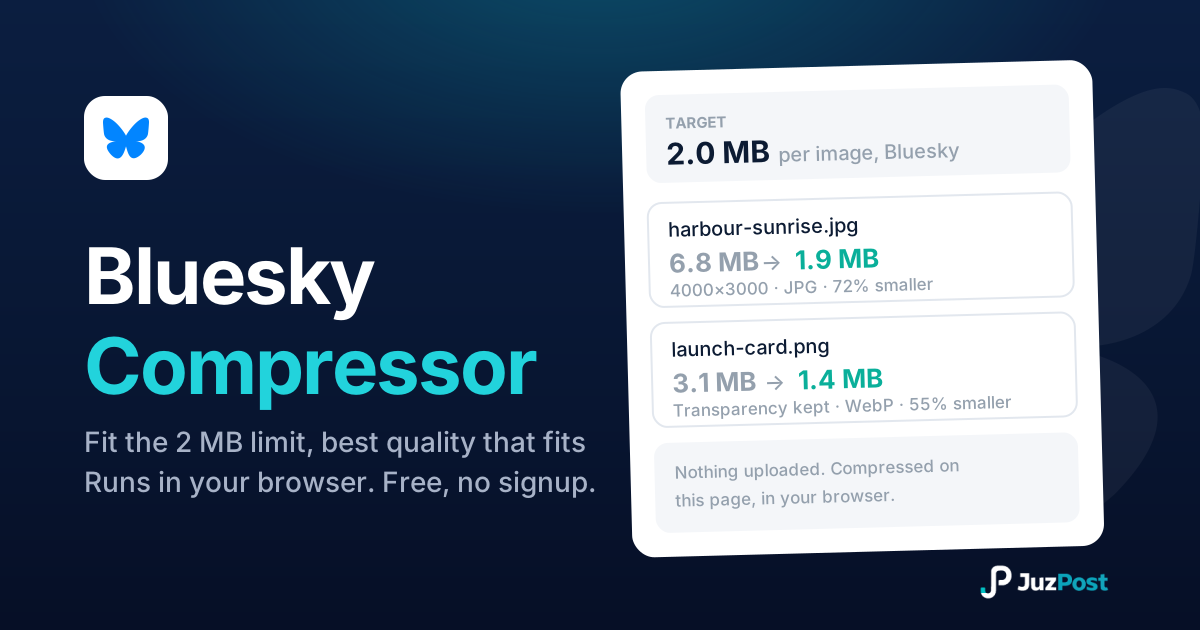
Shrink any photo under Bluesky’s 2 MB per image limit without picking a quality number yourself.
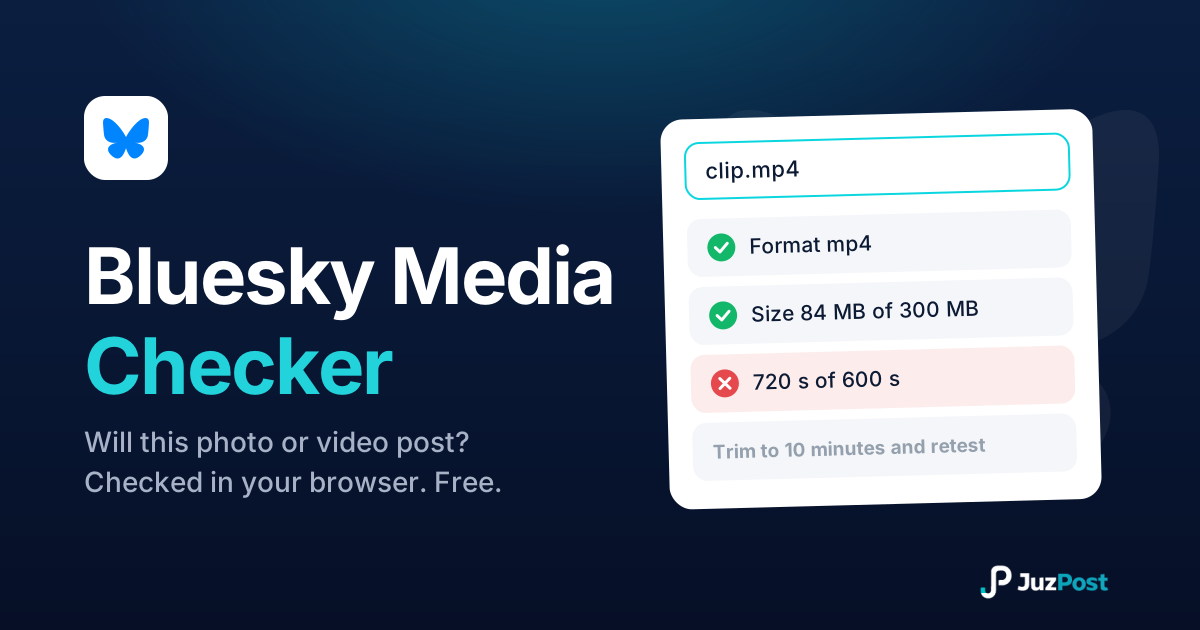
Drop in a photo or video and find out whether it will post to Bluesky, before you waste another failed attempt. Nothing is uploaded.
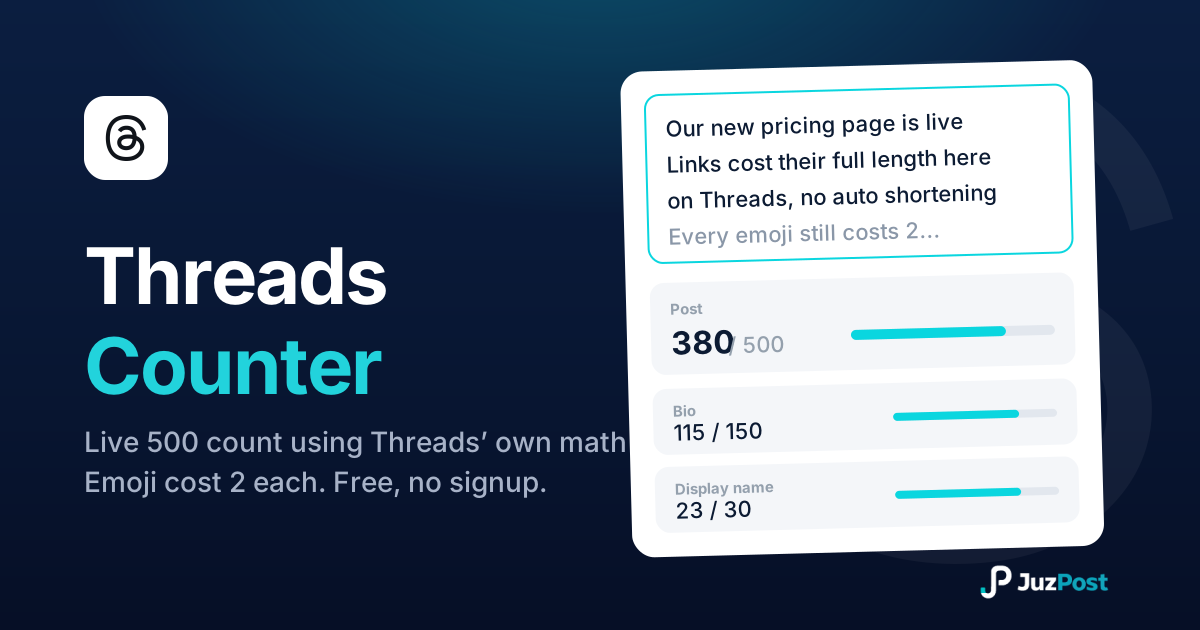
Live counts for the 500-character post, 150-character bio and 30-character display name, measured the way Threads measures, emoji and links included.