
Bluesky Image Compressor
Shrink any photo under Bluesky’s 2 MB per image limit without picking a quality number yourself.

How to use the Bluesky Image Compressor
Drop in your images
Choose files or drag them onto the box. PNG, JPG and WebP all work, and you can add up to four at once, which is the most Bluesky accepts on a single post.
Wait for the size to settle
Each file is measured against the 2 MB ceiling, then re-encoded at the highest quality that fits under it. Anything already small enough is left alone, because re-encoding a file that already fits only makes it worse.
Check what changed
Every row shows the size before and after, the output dimensions, and how much came off. If a photo needed to lose pixels as well as quality, the new dimensions tell you so.
Download and post
Save one file or all of them, then attach them in Bluesky or in JuzPost. Nothing was uploaded to get here, so the download is the first time the file leaves this page.
What Bluesky actually limits
Bluesky caps a post image at 2,000,000 bytes. The figure lives in the app.bsky.embed.images lexicon as maxSize, and it went up from 1 MB in April 2026, alongside a bump to 4000px rendering. A lot of guides still quote the old 1 MB number, which is why an image people were told to shrink to 900 KB often did not need shrinking at all.
The limit is per image, not per post, and a post carries up to four of them. There is no pixel dimension the API refuses. Bluesky’s own client resizes to a 4000px longest edge before upload, so that is the size this tool targets too.
One quirk catches third party clients out. Uploading the file and attaching it to a post are two separate steps, and the 2 MB check happens at the second one. A blob can upload successfully and still be refused when the post is created, which is why an upload can look fine right up until it fails.
How this tool decides what to throw away
Most compressors hand you a quality slider and let you guess. The question you actually have is whether the file will post, so this one takes the byte budget instead and searches for the answer: it binary searches the encoder quality and keeps the best result that lands under 2 MB.
When quality alone cannot get there, grinding further down stops being worth it. At roughly 25% the search resets, the longest edge drops to 80% of what it was, and the search runs again, up to four times. That escape hatch is lifted from Bluesky’s own client, which does the same thing for the same reason.
PNG and WebP files come back as WebP so transparency survives. A JPEG stays a JPEG, because a photo that went in should look like a photo coming out. Orientation is read from the file’s EXIF data, so a photo shot sideways on a phone does not come back rotated.
Nothing is uploaded
The compression runs in your browser using the same canvas the page is drawn with. Your images are never sent anywhere, and there is no server holding them for a retention window, because no server ever sees them. Close the tab and nothing remains.
That is also why it works on a slow connection: a 12 MB photo never has to travel anywhere to be measured. The only network traffic is loading this page.
When a smaller file is the wrong fix
If a photo still will not fit after compression, it is usually very large and very detailed, and the honest answer is to crop it rather than compress it harder. A tighter crop removes the detail that was costing the bytes.
Animated GIFs are a different case. Running one through any canvas based compressor flattens it to a single frame, so the animation is gone. Bluesky accepts GIFs as they are, so post the original.
HEIC photos from an iPhone cannot be read by any browser except Safari. Export the photo as JPEG first, then compress it here.
Frequently asked questions
What is the maximum image size on Bluesky?
2,000,000 bytes, which is 2 MB, per image, and up to four images on one post. The limit was 1 MB until April 2026, so older guides quoting 1 MB or 976 KB are out of date. There is no maximum pixel dimension enforced by the API.
Why did my Bluesky image upload fail even though it uploaded?
Bluesky checks the size when the post record is created, not when the file is uploaded. That means an oversized image can upload without complaint and then be rejected a moment later when it is attached to the post.
Does compressing ruin the quality?
Not in the way a fixed quality setting does. This tool searches for the highest quality that still fits under 2 MB rather than applying one setting to every file, so a photo that only needs a little compression only gets a little.
Are my images uploaded to a server?
No. The compression happens in your browser. Your images are never sent anywhere and nothing is stored, so there is no retention window to worry about.
Can I compress several images at once?
Yes. Add as many as you like and they are processed one after another, which keeps memory use to a single image at a time. Four is the practical number, since that is the most Bluesky puts on one post.
What image formats does Bluesky accept?
JPEG, PNG, WebP and GIF. This tool reads PNG, JPG and WebP, and returns WebP for files that may carry transparency and JPEG for photos. Both are formats Bluesky accepts, so the output posts as it is.
Is the Bluesky Image Compressor free?
Yes, free and unlimited, with no sign-up and no watermark. JuzPost builds it as a free tool for people posting to Bluesky.
More free tools

Drop in a photo or video and find out whether it will post to Bluesky, before you waste another failed attempt. Nothing is uploaded.
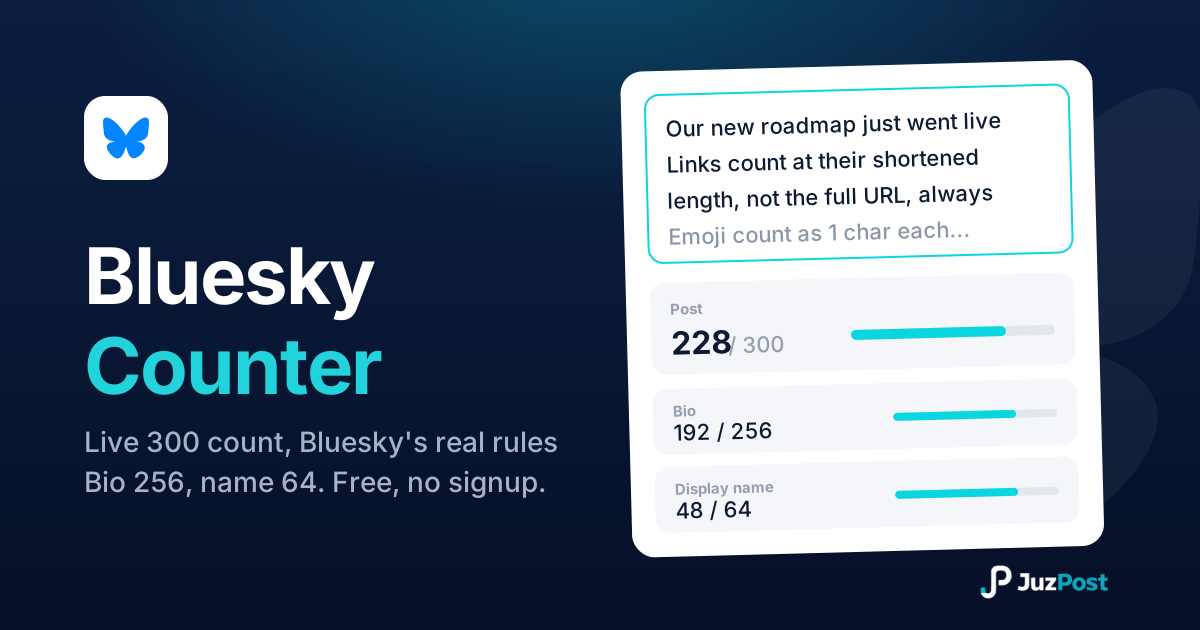
Live check against Bluesky’s 300-character post limit, plus display name (64) and bio (256) counters and the real link, emoji and byte rules.
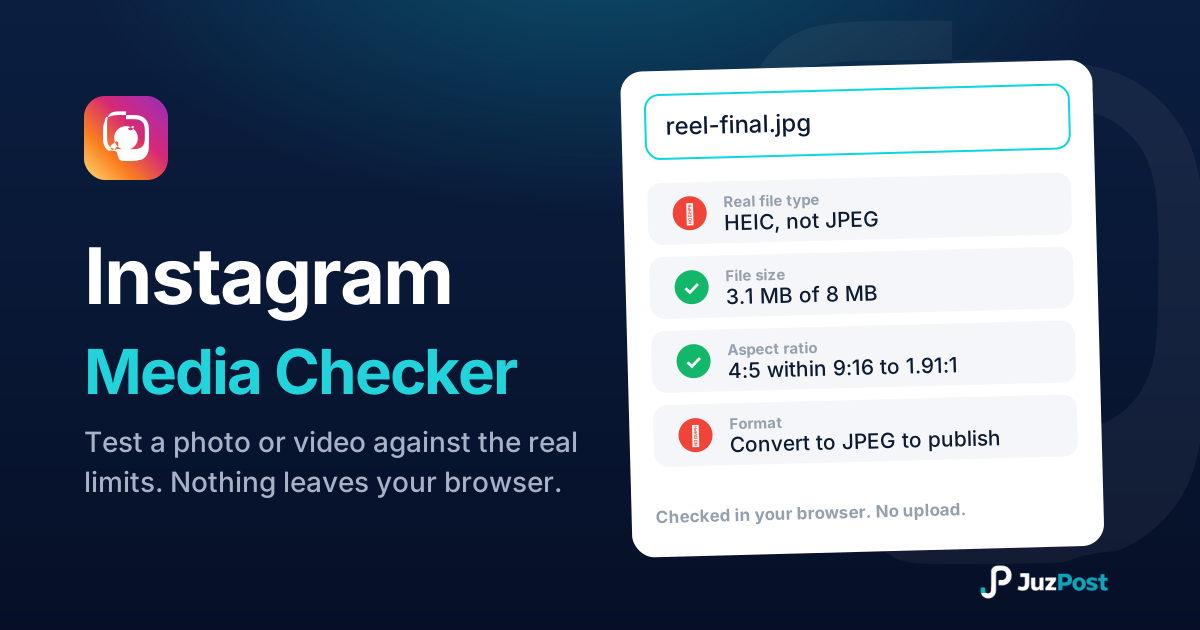
Drop a photo or video and see whether Instagram will accept it. Real file type, format, size, ratio and length, checked in your browser. Nothing is uploaded.