
TikTok Line Break Generator
Paste your caption, copy back spacing TikTok can’t strip: invisible characters that survive the 4,000-character caption field, 150-character comments and your 80-character bio.

How to use the TikTok Line Break Generator
Paste your caption with the spacing you want
Write your caption with a blank line wherever a paragraph should end, either in the box here or pasted from your notes app. The tool works on captions, comments and bios alike.
Check the preview and the counter
The preview shows your caption the way TikTok renders it, including the “…more” fold that hides everything after roughly the first 100 characters. The counter counts UTF-16 code units the way TikTok’s API does, so most emoji cost 2, not 1.
Copy the converted text
One click copies your caption with each blank line carrying an invisible Unicode character. It looks identical. The difference is that TikTok now has a character to keep instead of a blank line to collapse.
Paste into TikTok and post
Paste into the caption field, a comment or your bio. The spacing survives posting because the breaks are anchored by real characters, not empty lines TikTok strips.
Why TikTok removes your line breaks
The classic failure: you write a caption with paragraphs in your notes app, paste it into TikTok, and it posts as one solid block. TikTok’s caption field collapses blank lines on paste. The breaks show while you edit, then vanish after you hit post. The same thing happens in comments, where the keyboard doesn’t even offer a return key, and in bios, where a saved blank line disappears every time.
There is a second, less-known version of the problem. Posts published through TikTok’s official Content Posting API (which is how scheduling tools post on your behalf) default to a single block of text. If a scheduled post ever came out with its formatting gone, that is why, not something you did wrong.
The two routes also have different limits. A caption typed in the TikTok app can run to 4,000 characters as of 2026, but a caption published through the API is capped at 2,200 UTF-16 runes per TikTok’s own developer documentation. Pages still quoting a flat 2,200-character caption limit are describing the API cap, not the app.
How this generator works: the invisible characters, named
No mystery mechanism: the tool replaces each blank line in your caption with an invisible Unicode character, by default U+2800, the Braille Pattern Blank. TikTok strips empty lines, but a line containing U+2800 isn’t empty. It holds a real, renderable character that happens to draw nothing. Alternates that survive the same way include U+200B (zero-width space), U+00A0 (no-break space) and U+2009 (thin space).
These are ordinary characters, so they count toward TikTok’s limits like any other. One invisible character per blank paragraph break is a rounding error against a 4,000-character caption, but it matters in an 80-character bio, which is why the counter here includes them in its total instead of pretending they’re free.
One honest caveat almost no tool page mentions: some screen readers announce a Braille Pattern Blank as “blank” or as a braille symbol. If accessibility matters for your audience, use the fewest invisible characters that hold your spacing (one per break, never rows of them as decoration).
TikTok character limits in 2026: caption, bio, comments, photo posts
The numbers, field by field, as of August 2026: captions typed in the app allow 4,000 characters, while captions published via the official Content Posting API are capped at 2,200 UTF-16 runes. Photo posts split into a 90-rune title and a 4,000-rune description. Bios allow 80 characters, comments 150, usernames 24.
The API limits are measured in UTF-16 runes, not characters, and that distinction bites emoji-heavy captions: most emoji count as 2 runes, so a caption a naive counter calls 2,000 characters can already be over the 2,200-rune API cap. The counter on this page counts UTF-16 code units so the number you see is the number TikTok’s API sees.
Two bio-specific gotchas: line breaks count toward the 80 characters, so a two-line bio with one break leaves you 79 for actual text, and only about three lines show on small screens before truncation. Budget accordingly.
The “…more” fold, comments, bios and scheduled posts
Viewers only see roughly the first 100 characters of a caption (one or two lines, varying by device) before TikTok hides the rest behind “…more”. The preview on this page draws that fold, so you can confirm your hook sits above it and your first paragraph break lands where readers will actually see it.
For comments and bios the workflow is the same as captions: write the text with blank lines here, copy the converted version, paste it in. Comments have no return key in the app and cap at 150 characters; bios cap at 80 with breaks included. In both, the invisible character is what keeps your spacing after saving.
If you schedule TikTok posts, the invisible-character approach is what keeps formatting intact through the API trip: the characters travel as ordinary text inside the caption payload, so the spacing arrives the way you wrote it. JuzPost publishes to TikTok through the official Content Posting API, which is also why this page is precise about the 2,200-rune API cap. Schedule an emoji-heavy caption and the rune count, not the character count, is what has to fit.
Frequently asked questions
Why do my line breaks disappear when I paste my TikTok caption?
Because TikTok collapses blank lines when you paste or post. The breaks show while you edit, then vanish. A blank line contains nothing for TikTok to keep, so it gets stripped. This generator puts an invisible Unicode character (U+2800, the Braille Pattern Blank) on each blank line, and since the line is no longer empty, the spacing survives posting.
Does TikTok allow line breaks in captions in 2026?
Yes. Captions typed in the app support line breaks and run up to 4,000 characters as of 2026. The catch is that pasted blank lines collapse into one block, and captions published through TikTok’s official API are capped at 2,200 UTF-16 runes and default to a single block of text. Invisible characters are the reliable way to make paragraph spacing stick in both cases.
Do invisible characters count toward TikTok’s 4,000-character caption limit?
Yes. Invisible characters are real Unicode characters, so each one counts toward the 4,000-character app limit, the 80-character bio limit and the 150-character comment limit. Via the API, TikTok counts UTF-16 runes (most emoji cost 2) against a 2,200-rune caption cap. The counter on this page includes the inserted characters and counts runes, so the total you see is the total TikTok sees.
How do I add a line break in a TikTok comment or bio?
Write the comment or bio here with blank lines where you want them, copy the converted text and paste it into TikTok. The comment keyboard has no return key, so pasting pre-spaced text is the only way. Keep the limits in mind: comments cap at 150 characters and bios at 80, with line breaks counting toward the 80 and only about three bio lines visible on small screens.
Will invisible characters hurt my reach or break TikTok’s rules?
No TikTok guideline prohibits them. They are standard Unicode characters that creators paste into captions, comments and bios every day, and there is no verified evidence they affect reach either way. The one real caveat is accessibility: some screen readers announce a Braille Pattern Blank as “blank”, so use one invisible character per paragraph break rather than stacking rows of them.
Why does my scheduled TikTok post lose its caption formatting?
Because scheduled posts go through TikTok’s official Content Posting API, where captions are capped at 2,200 UTF-16 runes and default to a single block of text. Raw blank lines don’t survive that trip. Invisible characters do, since they travel as ordinary text inside the caption, so running your caption through this generator before scheduling keeps the paragraph spacing in the published post.
More free tools
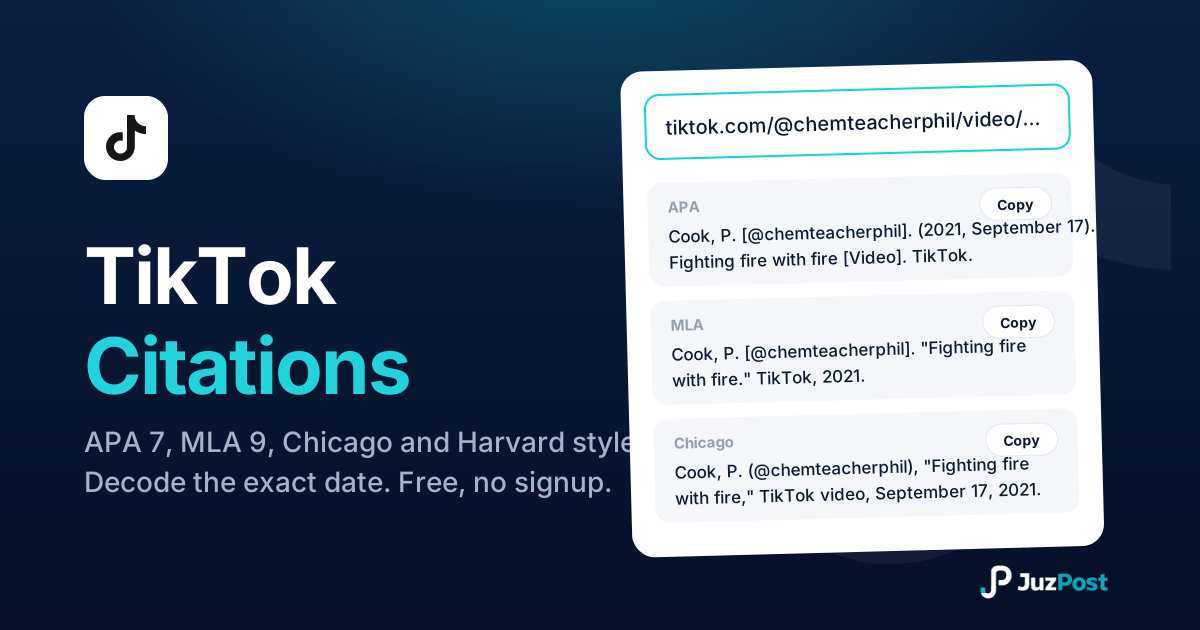
Paste a TikTok link and get APA 7, MLA 9, Chicago and Harvard citations, with the exact upload date decoded from the 19-digit video ID.
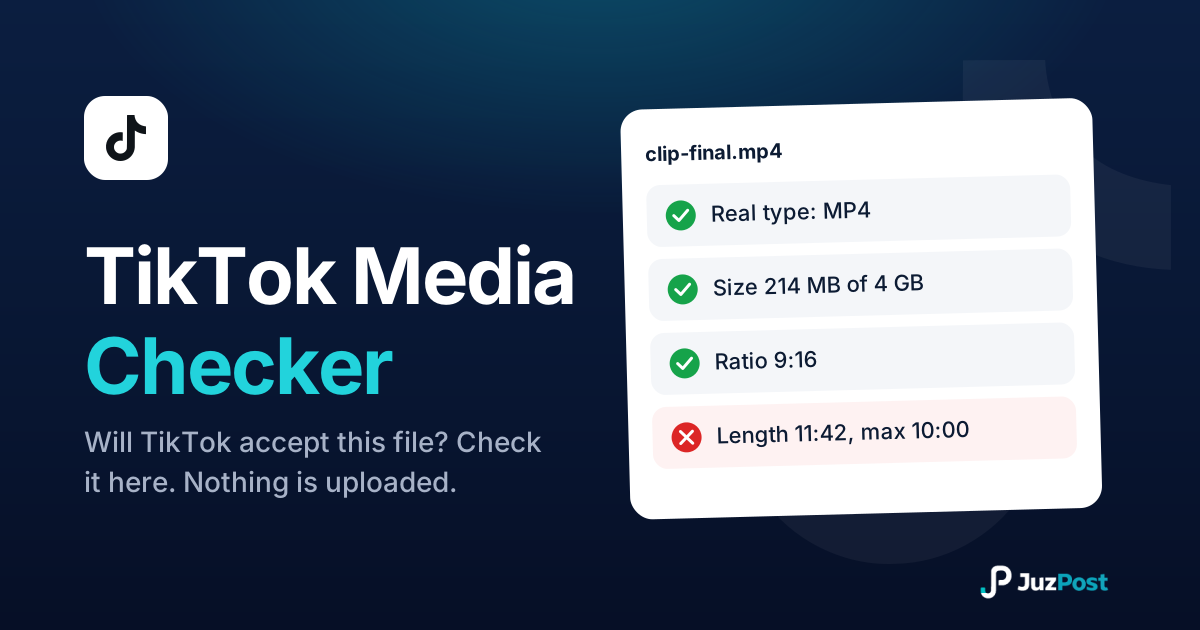
Drop in a photo or video and find out whether TikTok will accept it. Reads the real file type, size, dimensions and length in your browser. Nothing is uploaded.
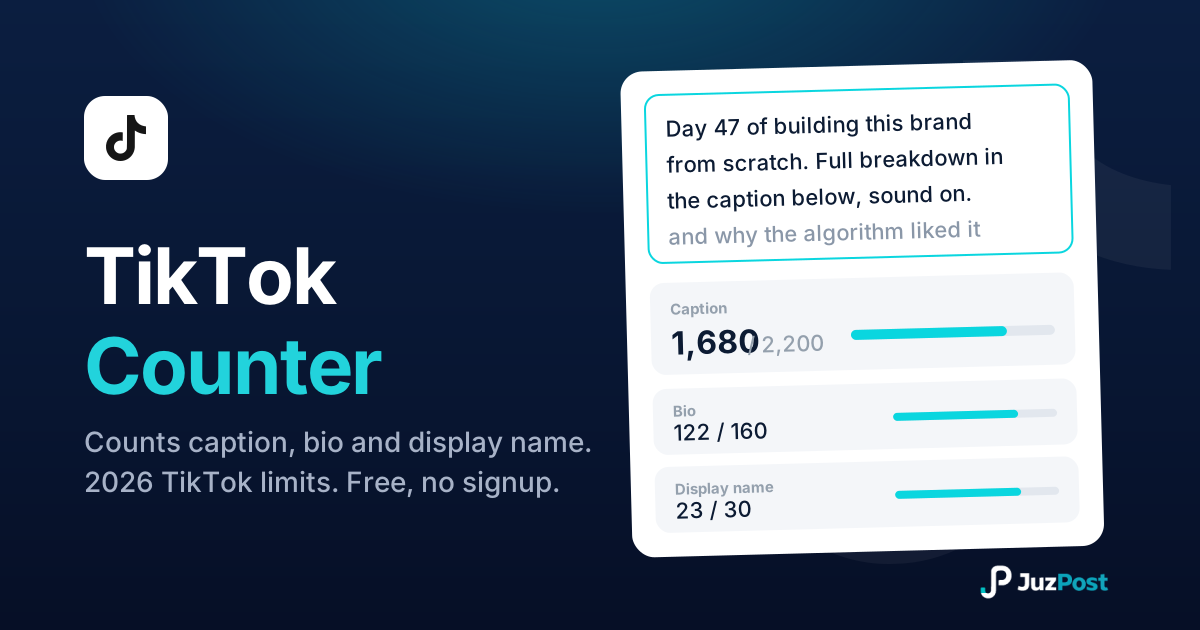
Live counts for your TikTok caption, bio and display name, measured the way TikTok enforces them, with the real 2026 limits for every field.