
Threads Media Checker
Drop a photo or video and see whether Threads will take it: real file type, size, ratio and duration, checked in your browser.

How to use the Threads Media Checker
Drop in your photo or video
Drag the file onto the checker or pick it from your device. It is read in your browser and never sent to a server.
Read the pass or fail rows
Each rule is listed with the number it was checked against: real file type from the magic bytes, format, file size, pixel dimensions, aspect ratio and, for video, duration.
Fix an image without leaving the page
If a photo fails, convert it to JPEG, compress it under 8 MB, or crop and resize it back inside the accepted ratio band. Every fix runs on your device.
Download the fixed file, or re-export the video
Save the corrected image and post it. Video is reported only, so take the named problem back to your editor and export again as MP4 or MOV.
What Threads actually rejects
Threads takes JPG, JPEG and PNG images up to 8 MB, with an aspect ratio between 0.1 and 10, which is the 10:1 limit written both ways. Video has to be MP4 or MOV, no larger than 1 GB, and no longer than 300 seconds, which is five minutes. Those six numbers decide almost every rejection, and this checker tests your file against each one of them by name.
Two of those figures are printed wrongly across most of the pages that rank for Threads specs. Several size guides claim a 100 MB cap on post images: it is 8 MB. Several video spec pages claim 500 MB: the cap is 1 GB. Some troubleshooting posts also say MP4 only, which is wrong, because MOV is accepted. If you have been comparing guides and getting different answers, these are the numbers the checker holds you to.
A carousel is its own case. Threads accepts 2 to 20 items in one post, images and video can be mixed in the same carousel, and the items do not have to share an aspect ratio. Each item still has to clear the single-file rules on its own, so one oversized photo will fail the whole post.
Why your video will not upload
The failure message on Threads says the post failed, and nothing else. That is why the usual advice is to clear your cache and restart the app. The cause is usually the file. Work through it in order of how often it happens: the container is not MP4 or MOV, the file is over 1 GB, the clip runs past 300 seconds, or the true file type does not match the extension on the name.
That last one catches people out constantly. An iPhone photo saved as HEIC and renamed .jpg is still HEIC, and a WebP or a MKV renamed to a supported extension is still what it was. This tool reads the first bytes of the file rather than trusting the name, so it can tell you the extension is lying before Threads does it silently.
Repeated retries make things worse rather than better. People who hammer the upload button after a failure often end up rate limited for a day, which looks like an account problem and is really the same broken file being sent over and over. Check the file once, fix it once, then post it.
Fix images here, video is reported only
For images, the fixes run in the page. Convert a photo to JPEG when the format is the problem, compress it back under the 8 MB cap when the size is, or crop and resize it when the ratio sits outside the 0.1 to 10 band. You download the corrected file and post it yourself, with no account and no watermark.
Video is checked and explained, never converted. Re-encoding a 1 GB file in a browser tab is slow and lossy, and the honest answer is to fix it where it was made. The checker names the rule that failed and the number it failed against, so a single re-export from your editor is usually enough. Meta also documents codec details the checker treats as advisory: H264 or HEVC video, AAC audio, 23 to 60 frames per second, and the moov atom at the front of the file. The pass or fail verdict stays tied to format, size and duration.
Nothing you drop in is uploaded. The file is read by the browser on your own machine, which is the point: an unpublished video should not have to go through a stranger’s server just to find out whether it is valid. These are the same checks JuzPost runs before a scheduled Threads post, so a file that passes here passes when you schedule it.
Frequently asked questions
What video format does Threads support?
MP4 and MOV. Guides that say MP4 only are wrong: MOV is accepted too. Inside the container, Meta documents H264 or HEVC video with AAC audio, so an unusual codec inside a correctly named .mp4 can still fail. This checker reads the real container from the file bytes rather than the extension.
What is the maximum file size for a Threads video?
1 GB. Several spec pages print 500 MB, which is not the limit, so a 700 MB file is nowhere near the cap and something else is causing your failure. Check the container and the duration next.
What is the maximum image file size for Threads?
8 MB. Some 2026 size guides claim 100 MB for post images, and that figure is wrong. If your photo is over 8 MB, compress it here and it will go through without touching the pixel dimensions much at all.
How long can a Threads video be?
Up to 300 seconds, which is five minutes. Shorter clips also finish uploading far more often, because a long clip is usually a big clip, and size and duration fail together. If yours failed at two minutes, the duration was not the cause: check the file size and the container instead.
Why does Threads say my file type is not supported?
Almost always because the real file type is not what the extension says. Threads takes JPG, JPEG and PNG images, plus MP4 and MOV video. A HEIC photo from an iPhone or a WebP saved with a .jpg name is still HEIC or WebP inside, and Threads reads the bytes. Drop the file here and the true type is named on the first row.
What image sizes and aspect ratios does Threads accept?
The hard constraint is the aspect ratio: between 0.1 and 10, which is the 10:1 limit. Anything taller or wider than that is rejected. Pixel dimensions themselves are not a pass or fail rule, so a very tall screenshot fails on ratio rather than on height, and cropping it back into range here fixes it.
Does Threads compress my photos?
Yes. Threads re-encodes what you upload, which is why a sharp export can look soft in the feed. You cannot switch that off, so give it a clean starting point: a JPEG comfortably under the 8 MB cap, exported once rather than saved and re-saved through several apps.
Does this tool upload my file anywhere?
No. Every check runs in your browser, on your own device, with no account and no server round trip. The image fixes work the same way, and video is only read and reported, never converted or sent anywhere.
More free tools
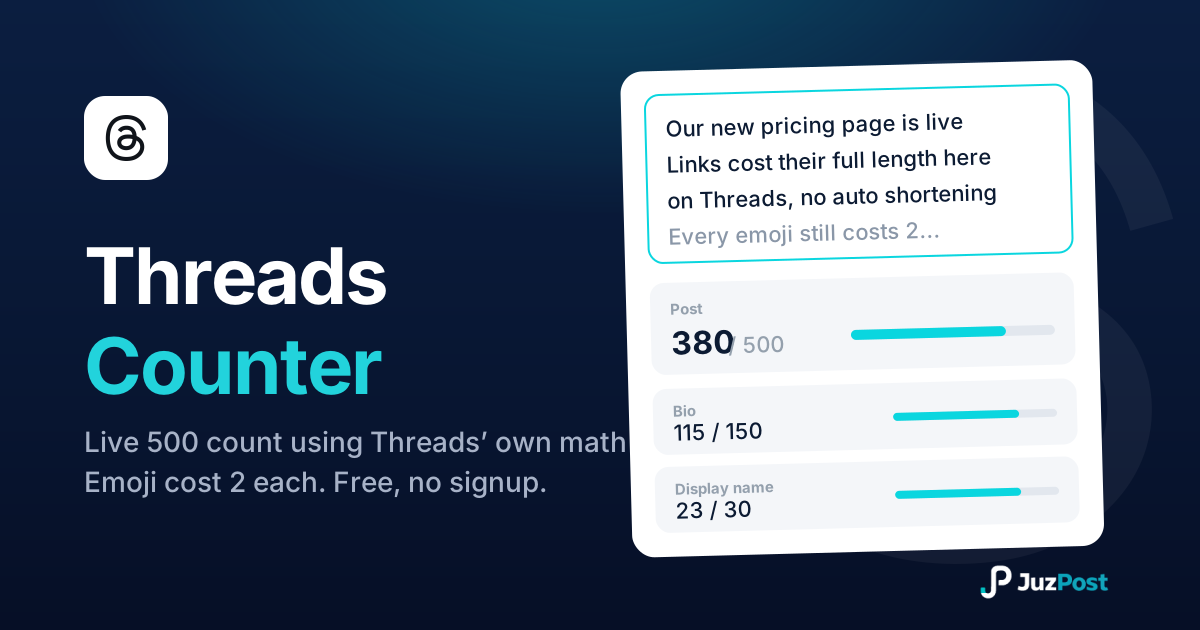
Live counts for the 500-character post, 150-character bio and 30-character display name, measured the way Threads measures, emoji and links included.
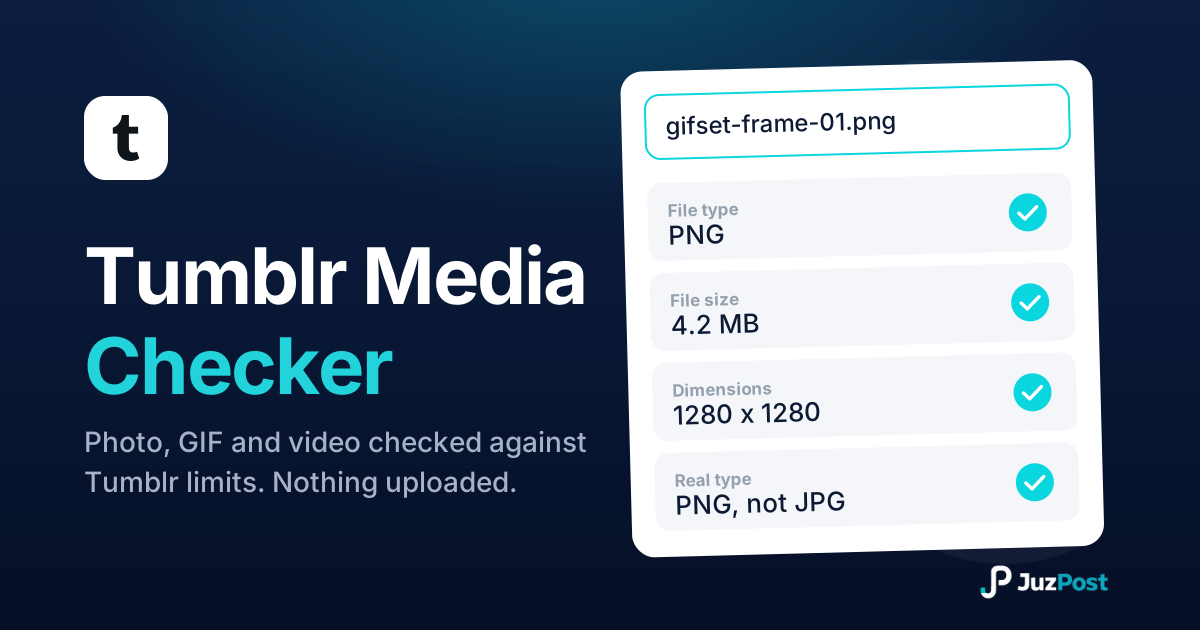
Drop in a photo, GIF or video and see whether it clears Tumblr’s limits: real file type, size, dimensions and length, checked in your browser.
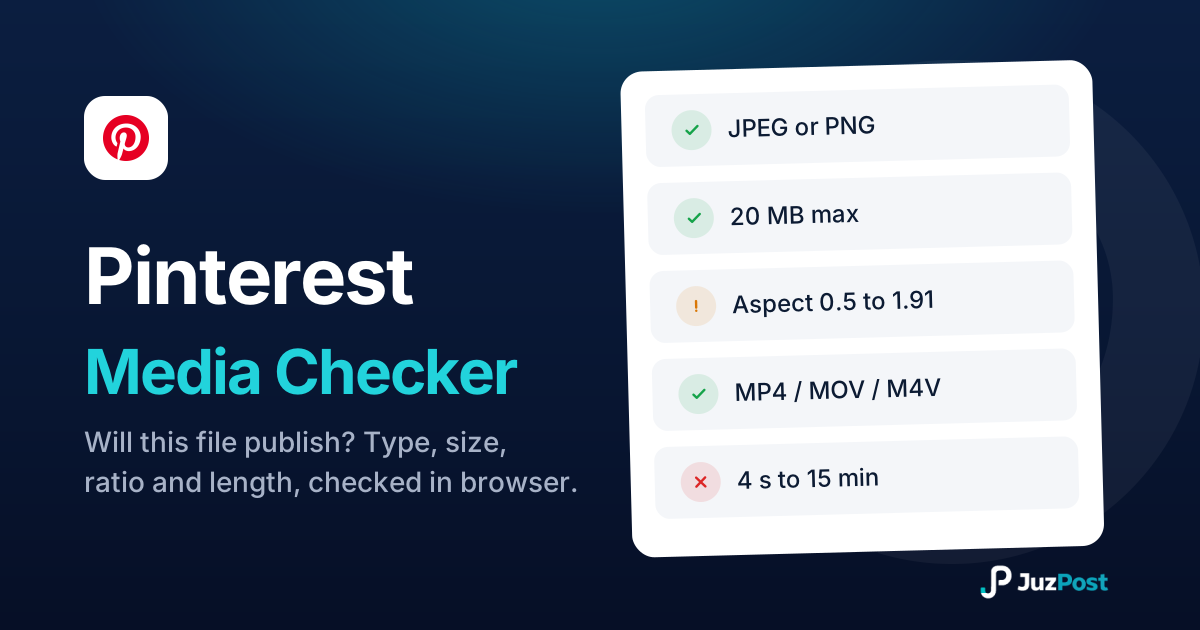
Drop a photo or video and see whether it will publish to Pinterest. Real file type, size, ratio and video length, checked in your browser. Nothing is uploaded.